Showing Posts From
Video translation

Video Localization: The Complete Guide to Reaching Global Audiences in 2026
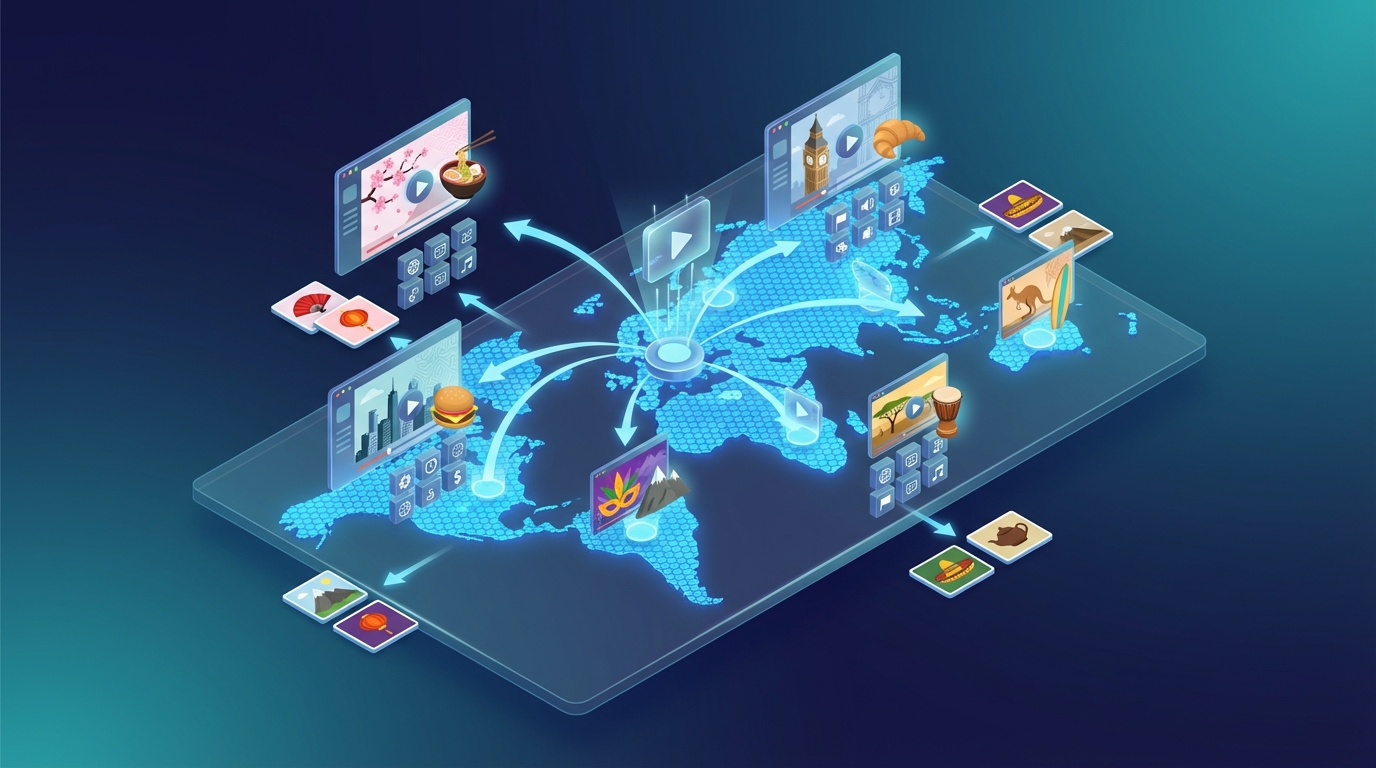
If you've been publishing videos for more than a year, you already know the frustrating truth: you're probably reaching less than 20% of your potential audience. The other 80%? They speak a different language. Video localization is how you close that gap — not just by translating words, but by making your content feel native to each market you enter. What Is Video Localization? Video localization is the process of adapting video content so it feels natural and appropriate for a specific language, culture, or market. It goes beyond simple translation. Where translation converts words from one language to another, localization considers:Cultural references and idioms Tone and register appropriate for the target audience Local measurement units, currencies, and date formats Visual elements (text on screen, on-screen graphics) Audio: dubbed voice, pacing, and emotional deliveryA truly localized video doesn't feel "translated" — it feels like it was made in that language from the start. Video Localization vs. Video Translation: What's the Difference? These terms are often used interchangeably, but there's a meaningful distinction:Translation LocalizationScope Language only Language + culture + contextOutput Accurate meaning Natural, native feelEffort Lower HigherResult Understood ResonatesFor most video creators, a high-quality AI translation that sounds natural is sufficient — full cultural localization (redesigning graphics, re-recording music cues) is typically only needed for major market launches or broadcast content. Why Video Localization Matters More in 2026 Several trends have converged to make video localization a strategic priority:YouTube's international growth is outpacing English The fastest-growing YouTube audiences are in Brazil, India, Indonesia, Mexico, and Southeast Asia. If your content is English-only, you're invisible to these markets.AI has dramatically reduced the cost Traditional dubbing cost $15–50 per finished minute and took weeks. AI video localization now costs under $1 per minute and delivers results in minutes.Platforms reward multilingual content YouTube's "multi-audio" feature and algorithm changes now explicitly surface dubbed content to non-native speakers of the original language. Localized videos get discovered in markets you never actively targeted.Subtitles are no longer enough Studies consistently show that dubbed content significantly outperforms subtitled content in watch time, retention, and engagement — especially on mobile, where reading subtitles while watching is difficult.The Video Localization Process: Step by Step Step 1: Transcription The original audio is converted to text. Quality here determines quality everywhere downstream — errors in transcription cascade into translation errors. Step 2: Translation The script is translated into the target language. For AI workflows, this is now near-instant. For high-stakes content, a human review step is worth adding. Step 3: Voice Synthesis (Dubbing) The translated script is synthesized into speech using AI voices or voice cloning. The best systems preserve the original speaker's tone and cadence. Step 4: Audio Synchronization The dubbed audio is aligned with the video — matching pauses, emphasis, and pacing to the original performance. Step 5: Quality Check Review the output for:Lip-sync accuracy (if applicable) Unnatural pauses or rushing Translation errors that slipped through Background audio balance (music, ambient sound)Step 6: Export and Publish Export the final video and upload as either a separate language file or use platforms like YouTube's multi-audio tracks to serve it to the right audience automatically. Tools for Video Localization in 2026 NovaDub — Best End-to-End AI Platform NovaDub handles the complete localization pipeline: transcription → translation → voice cloning → audio sync. You upload a video, choose your target languages, and get back a localized version ready to publish. Why creators choose NovaDub:Voice cloning preserves the original speaker's voice across languages 30+ languages supported Minutes, not days No studio booking required Transparent pricing — pay per video, not enterprise subscriptionsIt's designed for creators who want professional-quality results without a production team.HeyGen — Best for Lip Sync If your video features a person speaking directly to camera and you need the lip movements to match the new language, HeyGen's lip-sync technology is the market leader. Expect higher pricing than creator-focused tools.Rask AI — Best for Enterprise Teams Rask AI targets businesses with ongoing localization needs — think corporate training, product demos, marketing at scale. Good multi-speaker support and team workflow features.Kapwing — Best for Subtitles Only If you need translated subtitles (not dubbed audio), Kapwing provides a fast, affordable subtitle translation workflow.How Much Does Video Localization Cost? Costs vary dramatically by method:Method Cost per Minute Turnaround QualityHuman dubbing studio $25–100 1–4 weeks HighestHuman freelancer $10–30 3–7 days HighAI with voice cloning (NovaDub) $0.50–2 Minutes Very GoodGeneric AI TTS $0.10–0.50 Minutes AcceptableSubtitles only $0.20–1 Minutes N/AFor most creators and businesses, AI with voice cloning now delivers 85–90% of the quality of human dubbing at 5–10% of the cost. How to Prioritize Which Languages to Localize Don't try to localize into every language at once. Start with the highest-ROI markets for your niche: For YouTube creators:Spanish (Latin America + Spain) — 500M+ Spanish speakers, huge YouTube audience Portuguese (Brazil) — Brazil is YouTube's #2 or #3 market globally Hindi (India) — fastest-growing YouTube market French (France + Africa) — high CPM, educated audience German — highest CPM in EuropeFor B2B and course creators:Spanish German French Portuguese (Brazil) Japanese (high willingness to pay)For e-commerce video:Spanish Portuguese French Italian ArabicCommon Mistakes in Video LocalizationTreating it as a translation job, not a communication job The goal isn't accurate words — it's understanding and emotional impact. A word-for-word translation that sounds unnatural defeats the purpose.Neglecting audio quality in the source video AI localization tools work best with clear, clean source audio. Background noise, low bitrate, or overlapping speakers degrade every step downstream.Localizing without checking the output Even excellent AI tools produce occasional errors. A 5-minute review of the output can catch the 1–2 issues that would embarrass you.Publishing as a separate video instead of using multi-audio YouTube now supports multiple audio tracks on a single video. Using this feature means your localized content reaches users who speak that language automatically — you don't need to maintain separate channels.Starting too late Localization is easier and cheaper to build into your publishing workflow from the start than to retrofit later across a back catalog.Getting Started with Video Localization If you're a creator or small business and this is new territory, here's the fastest path to results:Pick your top 2–3 target languages based on your existing audience data or the market priorities above Start with your 5 best-performing videos — proven content that already works deserves wider distribution Use an AI tool like NovaDub to localize quickly and affordably — see how it feels, check the output quality Publish and measure — watch watch time, subscriber growth, and traffic from new geographies Build it into your regular workflow — localize new content at publication time, not as an afterthoughtVideo localization in 2026 is no longer a luxury for brands with dedicated production budgets. With AI tools dropping the cost by 90% and the time by 95%, it's now accessible to any creator or business willing to think beyond their native language. The creators hitting global audiences right now didn't do anything magic — they just localized their content while others didn't. Start localizing your videos with NovaDub →
Best AI Video Translator Tools in 2026: Complete Comparison
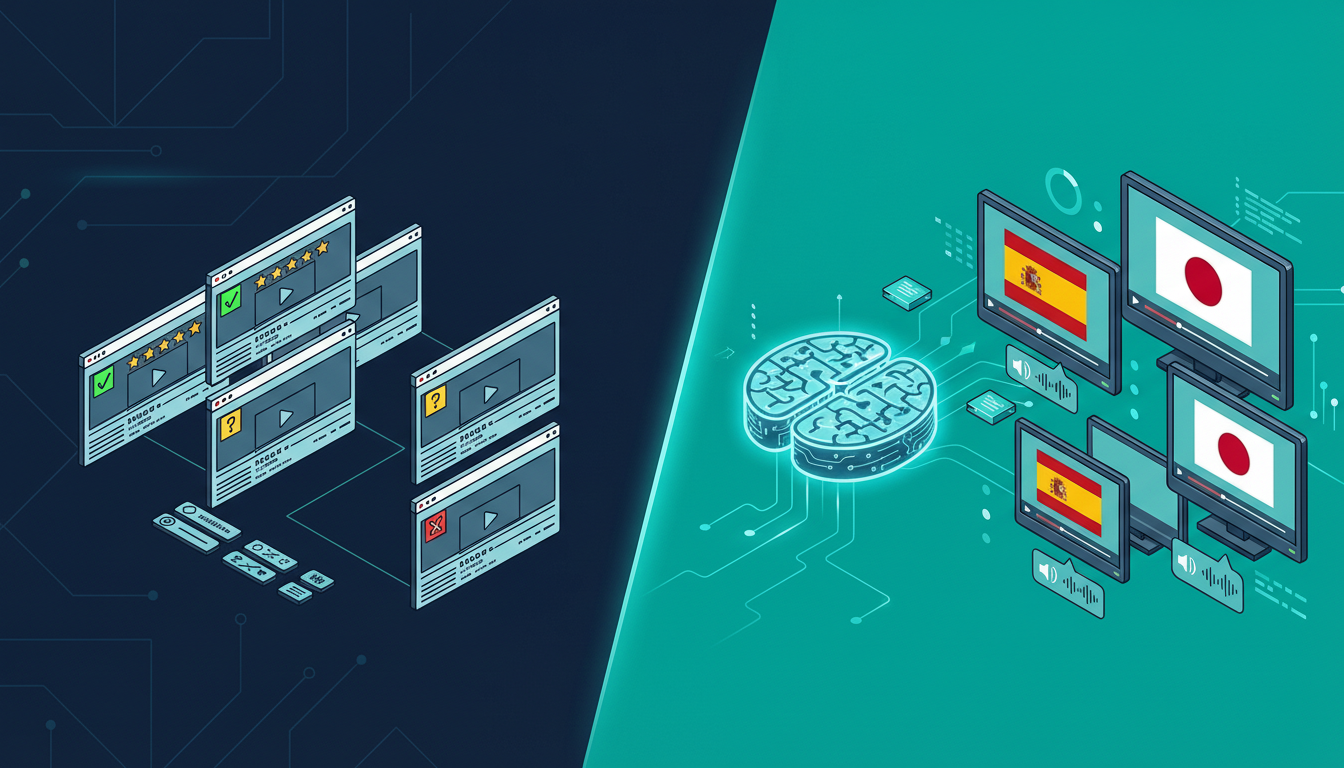
If you've searched for "AI video translator" recently, you've probably noticed the landscape has exploded. A year ago, you could count the serious options on one hand. Today there are dozens of platforms, each claiming to offer seamless automatic video translation. But which ones actually work? I spent three weeks testing every major AI video translator on the market. I translated the same 10-minute video (a product demo with technical language) into Spanish, French, German, and Japanese across all platforms. Here's what I found. 🤖 How AI Video Translation Actually Works Before diving into the comparison, it helps to understand what these tools are actually doing under the hood. Every AI video translator follows roughly the same pipeline:Speech-to-text: The AI listens to your video and creates a text transcript Translation: That transcript gets translated into the target language Voice synthesis (TTS): A new voice track is generated in the target language Lip sync / timing: The new audio is synchronized with the videoThe quality difference between platforms comes down to how well they execute each step—and which underlying AI models they use for each component.The single biggest quality differentiator is the voice synthesis engine. Platforms using ElevenLabs or similar top-tier TTS produce voices that sound genuinely human. Platforms using older synthesis engines sound robotic and stilted.🏆 The Best AI Video Translators in 2026 1. NovaDub — Best Overall Quality NovaDub stands out for one key reason: it uses ElevenLabs for voice synthesis. ElevenLabs is widely considered the best AI voice technology available, and you can hear the difference immediately. The translated voices sound natural, with proper pacing, emotional inflection, and the subtle imperfections that make speech feel human. The platform handles 29 languages and offers voice cloning: your translated video can sound like you speaking the target language, not a generic AI voice. For content creators who've built an audience around their personal style, this is a game-changer. Strengths:Best-in-class voice quality (ElevenLabs powered) Voice cloning in all 29 supported languages European platform with strong privacy compliance Clean, intuitive interface available in multiple languages 5-minute free trial, no credit card requiredWeaknesses:Slightly higher price point than some competitors 29 languages (less than some platforms claiming 100+, but those often have lower quality)Best for: Creators and businesses who prioritize quality over quantity Pricing: From €0.99/min pay-as-you-go; monthly plans from €39Pro Tip: NovaDub's voice cloning feature works remarkably well even with background music. If your video has a music bed, the AI is smart enough to maintain it in the translated version while replacing only the speech.2. HeyGen — Best for Video Avatars HeyGen focuses on video synthesis rather than pure translation. Their main differentiator is lip sync technology: the avatar or presenter in your video actually moves their lips to match the translated audio. It's visually impressive. Strengths:Impressive lip sync Good for corporate presentations with on-camera presenters Integrates with common presentation toolsWeaknesses:Much higher price point ($89+/month for serious use) Voice quality noticeably behind NovaDub Limited value for voiceover-style contentBest for: Corporate video with on-camera presenters who need lip sync Pricing: From $29/month, but serious use requires $89+ plans3. Rask.ai — Best for Volume Rask has invested heavily in supporting a large number of languages (130+) and has built a solid workflow for bulk translation projects. Strengths:130+ languages supported Good API for developers Solid batch processingWeaknesses:Voice quality is inconsistent (depends heavily on language) Interface can be confusing for new users Customer support issues at scaleBest for: Enterprises processing large volumes across many languages Pricing: From $60/month4. Papercup — Best for Broadcast Papercup targets broadcasters and media companies, with a hybrid AI-human workflow that delivers broadcast-grade quality. Strengths:Highest quality outputs (humans review AI output) Strong industry reputationWeaknesses:Very expensive (enterprise pricing, typically $5,000+/project) Not accessible to individual creators or small businessesBest for: TV networks, streaming platforms, major publishers5. ElevenLabs Dubbing Studio — Best Free Option ElevenLabs, whose technology powers NovaDub's voice synthesis, offers their own dubbing studio. The quality is excellent (it's their own engine), but the product is more of a developer tool than a finished product. Strengths:Best voice quality (their own technology) Free tier available API access for developersWeaknesses:Less polished UX than dedicated platforms Limited language support compared to specialized tools No voice cloning matching your brand voiceBest for: Developers and tech-savvy users comfortable with raw tools📊 Head-to-Head ComparisonFeature NovaDub HeyGen Rask.ai ElevenLabs StudioLanguages 29 40+ 130+ 29Voice quality ⭐⭐⭐⭐⭐ ⭐⭐⭐ ⭐⭐⭐ ⭐⭐⭐⭐⭐Voice cloning ✅ ✅ ✅ LimitedLip sync ❌ ✅ ✅ ❌Price (entry) €39/mo $29/mo $60/mo FreeFree trial ✅ (5 min) ✅ (limited) ✅ (limited) ✅API access ❌ ✅ ✅ ✅Best for Quality Lip sync Volume DevsA note on languages: platforms claiming 100+ language support often achieve this with inconsistent quality. A tool that does 29 languages *excellently* is more useful than one that does 130 languages *poorly*.🎯 Which AI Video Translator Should You Choose? If you're a content creator (YouTuber, podcaster, course creator) and you want the best quality translated content, NovaDub is the clear winner. The voice quality is superior, the voice cloning feature preserves your personal brand, and the pricing is reasonable. If you work in corporate video with on-camera presenters and lip sync is a priority, HeyGen is worth the higher price. If you need to process a very high volume across dozens of languages and quality is secondary to scale, Rask.ai is the most practical option. If you're a developer building a custom workflow and want access to the best TTS engine available, ElevenLabs Studio gives you the raw power.🚀 How to Get Started with AI Video Translation Regardless of which tool you choose, the process is roughly the same:Select your best video — start with your highest-performing content Choose target languages — begin with 1-2 languages where you already have viewers Upload and translate — most tools take 5-15 minutes per video Review the output — always watch through the translated version before publishing Upload to your platform — YouTube supports multi-audio tracks, which is perfect for this workflowQuick win: check your YouTube Analytics → Audience → Geography before choosing which languages to translate into. You might already have viewers in Spanish-speaking countries who would watch much more if the audio was in their language.💡 FAQ Is AI video translation as good as human translation? For most content types, yes—especially with platforms using top-tier voice synthesis. Technical content with highly specialized jargon may benefit from human review of the AI output, but the AI gets it right 90-95% of the time. How long does AI video translation take? Typically 5-15 minutes for a 10-minute video, depending on the platform and target language. This is 100x faster than human translation, which typically takes 1-3 days. Can I translate a video I don't own? No. AI video translation tools require you to own or have rights to the content you're translating. Most platforms explicitly prohibit using their service to translate copyrighted content without permission. Does AI translation affect video quality? No. The original video file is unchanged. AI translation only adds a new audio track or replaces the existing one, leaving video quality intact. What's the best language to translate into first? For most English-speaking creators, Spanish is the highest-ROI first translation. There are 500+ million Spanish speakers, the YouTube audience is massive, and competition is lower than in English.Looking to translate your first video? NovaDub offers 5 free minutes with no credit card required—enough to test the quality on a real clip before committing to a paid plan.
- 23 gen, 2026
NovaDub vs Rask AI: Which AI Dubbing Tool Should You Choose in 2026?
If you're reading this, you're probably facing an important decision: which tool should you use to dub your videos with artificial intelligence? The market offers several options, but two names keep coming up in searches: NovaDub and Rask AI. I've tested both platforms extensively, analyzing every aspect that truly matters to video content creators. In this article, I'll share my findings honestly to help you make an informed decision. ⚡ The Quick Verdict For those in a hurry: if you're a creator, YouTuber, or manage social media content, NovaDub offers the best value thanks to ElevenLabs technology and automatic publishing to YouTube and TikTok. If you work at an agency that needs to translate content into rare languages like Bengali or Swahili, Rask AI with its 130+ languages might be worth considering.Pro Tip: the right tool choice depends on your specific use case. For creators and social media, prioritize voice quality and publishing ease. For agencies, evaluate the number of supported languages.But let's take it step by step. 🔄 Two Different Philosophies The first thing I noticed when testing both platforms is that they were built with different goals in mind. NovaDub was designed with European creators in mind. The interface is available in multiple languages, prices are in euros, and there's a feature I haven't found anywhere else: the ability to publish dubbed videos directly to YouTube or TikTok without intermediate steps. This alone is worth its weight in gold for anyone managing channels in multiple languages. Rask AI, on the other hand, was born as an enterprise solution. It supports over 130 languages, has team management features, and clearly targets the localization agency market. The pricing reflects this positioning.💰 The Price Question Let's talk money, because that's what matters to most people. With NovaDub, you can start at €0.99 per minute for the Lite plan (which includes a small watermark) or €1.49 per minute for Pro without watermark. The interesting part is that you're not forced into a subscription: you pay for what you use, period. If this month you have a 10-minute project and next month nothing, you spend nothing. Rask AI works differently. The cheapest plan starts at $60 per month for 25 minutes, which works out to about $2.40 per minute. If you use all the minutes, great. But what if one month you only use 5? You lose them. Sure, you can upgrade to Creator Pro at $120 for 100 minutes (~$1.20/min), but we're talking about a significant monthly financial commitment. In practical terms: to dub a 10-minute video, NovaDub costs you between €9.90 and €14.90 as a one-time payment. With Rask AI, you first need to activate a subscription of at least $60.Warning: with monthly subscription models, unused minutes are lost. If your production is irregular, pay-as-you-go might be more cost-effective.🎙️ Dubbing Quality This is where things get interesting. NovaDub uses ElevenLabs technology for voice synthesis. If you're not familiar with ElevenLabs, it's unanimously considered the best voice AI solution on the market. The voices are incredibly natural, with pauses, breaths, and intonations that sound human. When I dubbed one of my test videos, several people didn't realize it was a synthetic voice. Rask AI uses proprietary technology. Reviews on G2 and Trustpilot tell a mixed story: some users are satisfied, others complain about "flat" voices especially in English, and problems with certain regional variants. One user wrote that the French switched between Canadian and European in the same video, with no way to choose. 🚀 The Game-Changing Feature: Social Sync I need to dedicate an entire section to this feature because, frankly, it's the main reason I chose NovaDub for my projects. Social Sync lets you connect your YouTube and TikTok accounts directly to the platform. Once the video is dubbed, with one click you publish it to your desired channel, complete with title, description, and tags in the target language. You can even schedule the publication. Why is this so important? Because the traditional workflow is a nightmare:Dub the video Download it Go to YouTube Studio Upload it again Manually enter title, description, tags Repeat for TikTokWith Social Sync, you eliminate steps 2-6. For anyone managing content in multiple languages, we're talking hours saved every week.Important: Social Sync is a NovaDub-exclusive feature that lets you publish directly to YouTube and TikTok. No other tool offers this integration.Rask AI offers nothing like this. Every dubbed video must be manually downloaded and re-uploaded to various platforms. ⚠️ Rask AI's Problems (According to Users) I don't want to be biased, so I've collected the most common criticisms of Rask AI from online reviews. Here they are: Customer support is a sore point. Many users complain about long response times and unhelpful answers. When you're paying hundreds of dollars a month, you expect timely assistance. Bugs are frequent, especially with longer videos. I've read about users who lost hours of work due to random system errors. Translations aren't always accurate. One user reported that in some languages up to 95% of segments were incorrect. Even if that's an extreme case, it's concerning. This doesn't mean Rask AI is a bad product—it has its merits, especially for those who need rare languages. But it's important to know these aspects before committing to a subscription. 🎯 When to Choose What Let me be direct. Choose NovaDub if: You're a creator who wants to expand your international audience without complicating your life. The combination of ElevenLabs quality, accessible pricing, and automatic social media publishing is unbeatable for this use case. If you produce content for YouTube or TikTok and want to reach audiences in other languages, NovaDub is designed exactly for you. Choose Rask AI if: You work at a localization agency handling large volumes of content in uncommon languages. If you need to translate videos into Tagalog, Swahili, or Urdu, Rask AI is one of the few options on the market. The high price is justified if you need those 130+ languages. 💭 My Personal Experience I've used both platforms for real projects. With NovaDub, I dubbed a series of tutorials into Spanish and German. The process was smooth: upload the video, select the language, wait a few minutes, and the video was ready. With Social Sync, I published it directly to my Spanish YouTube channel without touching YouTube Studio. With Rask AI, I tested the free trial for a Portuguese project. The quality was acceptable but not exceptional, and the manual download-upload process reminded me why I prefer more integrated solutions. ✅ Conclusion The AI dubbing market is evolving rapidly, and there's no perfect solution for everyone. However, for most creators and small businesses, NovaDub represents the smartest choice today: it costs less, offers superior quality thanks to ElevenLabs, and saves precious time with automatic publishing. Rask AI has its place in the market, mainly for those with enterprise needs or requiring rare languages. But for the average creator who wants to expand their international audience, NovaDub simply offers more for less.Note: NovaDub offers 5 free minutes without a credit card. That's enough to test the quality on your own real video before deciding.If you want to try it yourself, NovaDub offers 5 free minutes without a credit card. That's enough to test the quality with your own video and see if it's right for you.Have questions about NovaDub or AI dubbing in general? Leave a comment below or contact us directly.