Showing Posts From
Video localization
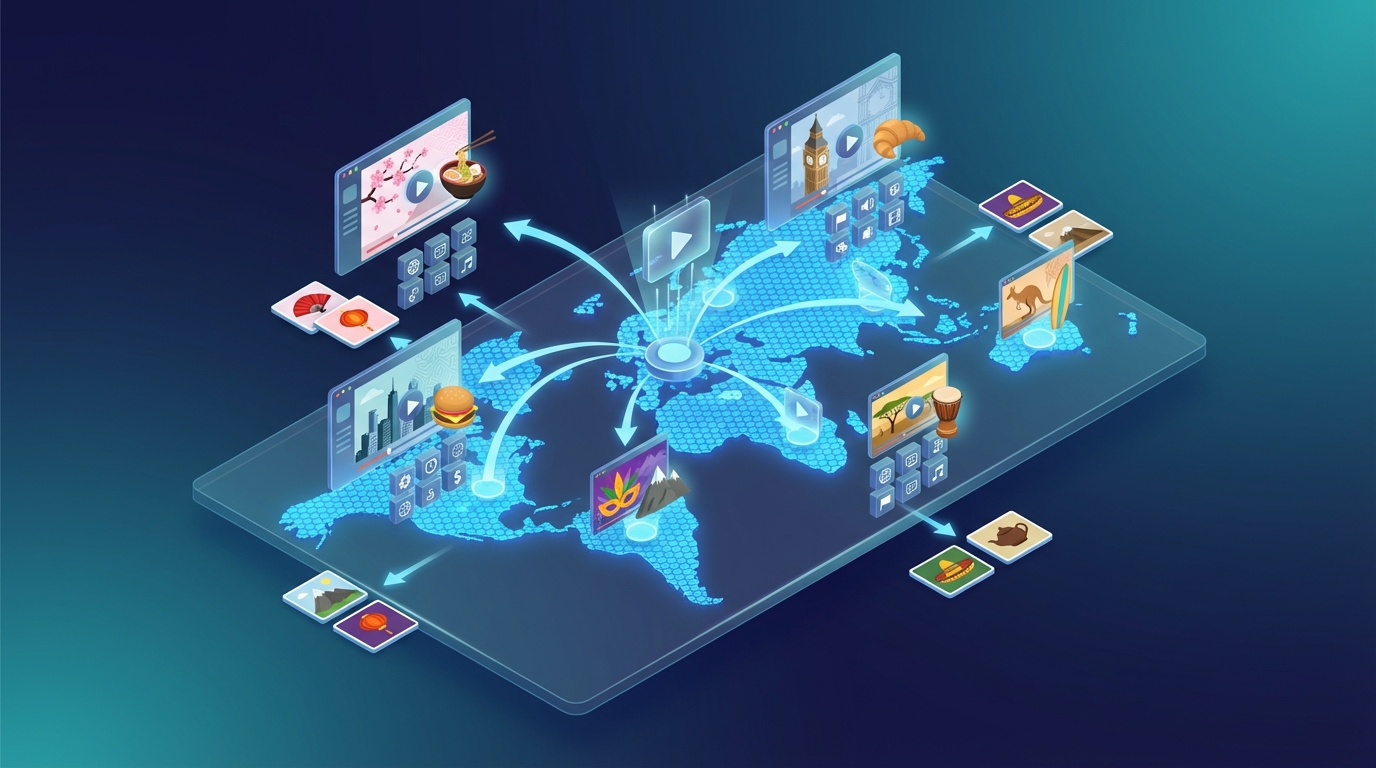
Video Localization: The Complete Guide to Reaching Global Audiences in 2026
If you've been publishing videos for more than a year, you already know the frustrating truth: you're probably reaching less than 20% of your potential audience. The other 80%? They speak a different language. Video localization is how you close that gap — not just by translating words, but by making your content feel native to each market you enter. What Is Video Localization? Video localization is the process of adapting video content so it feels natural and appropriate for a specific language, culture, or market. It goes beyond simple translation. Where translation converts words from one language to another, localization considers:Cultural references and idioms Tone and register appropriate for the target audience Local measurement units, currencies, and date formats Visual elements (text on screen, on-screen graphics) Audio: dubbed voice, pacing, and emotional deliveryA truly localized video doesn't feel "translated" — it feels like it was made in that language from the start. Video Localization vs. Video Translation: What's the Difference? These terms are often used interchangeably, but there's a meaningful distinction:Translation LocalizationScope Language only Language + culture + contextOutput Accurate meaning Natural, native feelEffort Lower HigherResult Understood ResonatesFor most video creators, a high-quality AI translation that sounds natural is sufficient — full cultural localization (redesigning graphics, re-recording music cues) is typically only needed for major market launches or broadcast content. Why Video Localization Matters More in 2026 Several trends have converged to make video localization a strategic priority:YouTube's international growth is outpacing English The fastest-growing YouTube audiences are in Brazil, India, Indonesia, Mexico, and Southeast Asia. If your content is English-only, you're invisible to these markets.AI has dramatically reduced the cost Traditional dubbing cost $15–50 per finished minute and took weeks. AI video localization now costs under $1 per minute and delivers results in minutes.Platforms reward multilingual content YouTube's "multi-audio" feature and algorithm changes now explicitly surface dubbed content to non-native speakers of the original language. Localized videos get discovered in markets you never actively targeted.Subtitles are no longer enough Studies consistently show that dubbed content significantly outperforms subtitled content in watch time, retention, and engagement — especially on mobile, where reading subtitles while watching is difficult.The Video Localization Process: Step by Step Step 1: Transcription The original audio is converted to text. Quality here determines quality everywhere downstream — errors in transcription cascade into translation errors. Step 2: Translation The script is translated into the target language. For AI workflows, this is now near-instant. For high-stakes content, a human review step is worth adding. Step 3: Voice Synthesis (Dubbing) The translated script is synthesized into speech using AI voices or voice cloning. The best systems preserve the original speaker's tone and cadence. Step 4: Audio Synchronization The dubbed audio is aligned with the video — matching pauses, emphasis, and pacing to the original performance. Step 5: Quality Check Review the output for:Lip-sync accuracy (if applicable) Unnatural pauses or rushing Translation errors that slipped through Background audio balance (music, ambient sound)Step 6: Export and Publish Export the final video and upload as either a separate language file or use platforms like YouTube's multi-audio tracks to serve it to the right audience automatically. Tools for Video Localization in 2026 NovaDub — Best End-to-End AI Platform NovaDub handles the complete localization pipeline: transcription → translation → voice cloning → audio sync. You upload a video, choose your target languages, and get back a localized version ready to publish. Why creators choose NovaDub:Voice cloning preserves the original speaker's voice across languages 30+ languages supported Minutes, not days No studio booking required Transparent pricing — pay per video, not enterprise subscriptionsIt's designed for creators who want professional-quality results without a production team.HeyGen — Best for Lip Sync If your video features a person speaking directly to camera and you need the lip movements to match the new language, HeyGen's lip-sync technology is the market leader. Expect higher pricing than creator-focused tools.Rask AI — Best for Enterprise Teams Rask AI targets businesses with ongoing localization needs — think corporate training, product demos, marketing at scale. Good multi-speaker support and team workflow features.Kapwing — Best for Subtitles Only If you need translated subtitles (not dubbed audio), Kapwing provides a fast, affordable subtitle translation workflow.How Much Does Video Localization Cost? Costs vary dramatically by method:Method Cost per Minute Turnaround QualityHuman dubbing studio $25–100 1–4 weeks HighestHuman freelancer $10–30 3–7 days HighAI with voice cloning (NovaDub) $0.50–2 Minutes Very GoodGeneric AI TTS $0.10–0.50 Minutes AcceptableSubtitles only $0.20–1 Minutes N/AFor most creators and businesses, AI with voice cloning now delivers 85–90% of the quality of human dubbing at 5–10% of the cost. How to Prioritize Which Languages to Localize Don't try to localize into every language at once. Start with the highest-ROI markets for your niche: For YouTube creators:Spanish (Latin America + Spain) — 500M+ Spanish speakers, huge YouTube audience Portuguese (Brazil) — Brazil is YouTube's #2 or #3 market globally Hindi (India) — fastest-growing YouTube market French (France + Africa) — high CPM, educated audience German — highest CPM in EuropeFor B2B and course creators:Spanish German French Portuguese (Brazil) Japanese (high willingness to pay)For e-commerce video:Spanish Portuguese French Italian ArabicCommon Mistakes in Video LocalizationTreating it as a translation job, not a communication job The goal isn't accurate words — it's understanding and emotional impact. A word-for-word translation that sounds unnatural defeats the purpose.Neglecting audio quality in the source video AI localization tools work best with clear, clean source audio. Background noise, low bitrate, or overlapping speakers degrade every step downstream.Localizing without checking the output Even excellent AI tools produce occasional errors. A 5-minute review of the output can catch the 1–2 issues that would embarrass you.Publishing as a separate video instead of using multi-audio YouTube now supports multiple audio tracks on a single video. Using this feature means your localized content reaches users who speak that language automatically — you don't need to maintain separate channels.Starting too late Localization is easier and cheaper to build into your publishing workflow from the start than to retrofit later across a back catalog.Getting Started with Video Localization If you're a creator or small business and this is new territory, here's the fastest path to results:Pick your top 2–3 target languages based on your existing audience data or the market priorities above Start with your 5 best-performing videos — proven content that already works deserves wider distribution Use an AI tool like NovaDub to localize quickly and affordably — see how it feels, check the output quality Publish and measure — watch watch time, subscriber growth, and traffic from new geographies Build it into your regular workflow — localize new content at publication time, not as an afterthoughtVideo localization in 2026 is no longer a luxury for brands with dedicated production budgets. With AI tools dropping the cost by 90% and the time by 95%, it's now accessible to any creator or business willing to think beyond their native language. The creators hitting global audiences right now didn't do anything magic — they just localized their content while others didn't. Start localizing your videos with NovaDub →
Dubbing vs Subtitling: Which Is Better for Your Videos in 2026?
Dubbing vs subtitling: it's one of the most common questions creators and businesses face when they decide to go multilingual. Both approaches translate your content for a new audience — but they do it in very different ways, with very different results. Here's everything you need to know to make the right call for your videos. What's the Difference? Subtitling adds translated text at the bottom of the screen. The original audio stays untouched. Viewers read the translation while hearing the original speaker. Dubbing replaces the original audio with a new recording (or AI-generated speech) in the target language. Viewers hear the video in their own language, as if it was always filmed that way. Both approaches have their place. The question is which one serves your goals better.Dubbing vs Subtitling: Head-to-Head Viewer Experience Subtitles:Require active reading — viewers can't look away from the screen Work poorly on mobile when text is small Don't work at all if the viewer isn't literate in the target language Feel "foreign" — there's always a reminder that this wasn't made for youDubbing:Immersive — viewers can watch naturally without reading Works for all literacy levels Feels local — like the content was made for their market Proven to increase watch time in non-subtitle-friendly marketsWinner: Dubbing — for engagement and immersionCost Subtitles:Cheaper to produce — just transcription + translation AI tools can generate subtitles in minutes No voice talent neededDubbing (traditional):Expensive — professional voice actors, recording studios, audio engineers Can cost hundreds to thousands per videoDubbing (AI):Changed everything. Tools like NovaDub bring AI dubbing down to a fraction of traditional costs No voice actors, no studios — upload your video, get back dubbed audio Cost comparable to subtitling in many casesWinner: Subtitles (traditional dubbing) | Tie (AI dubbing vs subtitles)Production Time Subtitles:Can be done in minutes with AI tools Manual subtitle workflows take 1-3 hours per videoDubbing (traditional):Days to weeks — scheduling voice actors, studio time, post-productionDubbing (AI):Minutes to hours, comparable to AI subtitlingWinner: AI Dubbing or Subtitles — traditional dubbing is far too slowMarket Preference Different regions have strong cultural preferences: Markets that strongly prefer dubbing:Germany, France, Italy, Spain — decades of dubbed film/TV tradition Brazil, Latin America Most of Eastern Europe JapanMarkets comfortable with subtitles:Netherlands, Scandinavia Portugal (not Brazil) Many Asian countries (varies) Parts of Southeast AsiaIf you're targeting Germany, France, Italy, or Brazil, subtitles are a significant disadvantage. These audiences expect dubbing. Winner: Dubbing — for most of the world's highest-value content marketsSEO Impact Subtitles:Text on screen can be indexed by some platforms (YouTube reads SRT files) Captions help with accessibility and search rankings Good for keyword optimization via subtitle filesDubbing:Audio is harder for search engines to index Separate language versions (different URLs) can rank independently Blog + dubbed video = strong multilingual SEO strategyWinner: Subtitles — slightly better for direct content SEO; dubbing wins for separate-page strategiesScalability Subtitles:Easy to scale — translate text, attach file Same video file, multiple subtitle tracksDubbing (traditional):Extremely hard to scale — each language requires new recordingsDubbing (AI):Highly scalable — same automated pipeline for every language Tools like NovaDub handle 30+ languages from one uploadWinner: AI Dubbing — matches subtitling for scalability while delivering better viewer experienceWhen to Choose Subtitles Use subtitles when:Budget is very tight and you need a fast, low-cost solution Your audience is in subtitle-friendly markets (Scandinavia, Netherlands) Content is text-heavy or data-driven — where reading along is expected You're testing a market before committing to full localization Short-form social content where full dubbing may not justify the effortWhen to Choose Dubbing Use dubbing when:You're targeting Germany, France, Italy, Spain, Brazil, or Eastern Europe — these markets expect it Your content is conversational or story-driven — the voice carries the connection You want to maximize watch time and retention You're building a brand that should feel local in each market You're using AI dubbing tools — cost is no longer a barrierThe Hybrid Approach (Best of Both Worlds) Many successful multilingual creators do both:Dub the audio for immersive experience Add subtitles in the same language (for viewers watching on mute) This approach is standard in professional TV/film localizationWith AI tools, the "dub + subtitle" combination is now achievable for individual creators — not just studios.AI Dubbing Has Changed the Equation The traditional argument for subtitles was almost entirely about cost and speed. That argument is now largely obsolete. Tools like NovaDub can take your video, clone your voice, translate the content, and deliver a dubbed version — in minutes, at a price point that makes sense for independent creators. For most content going into major non-English markets, AI dubbing now delivers better ROI than subtitling because:Higher watch time → better algorithmic distribution More immersive experience → higher conversion Audience prefers it in most high-value marketsThe Bottom Line Subtitles are the right choice when speed and cost are the only factors, or when you're targeting markets where subtitles are culturally accepted. Dubbing is the right choice for most other scenarios — especially if you're targeting the biggest non-English markets (Germany, France, Spain, Italy, Brazil, Japan) or you care about viewer experience and retention. In 2026, with AI dubbing tools available at low cost, the default for serious content localization should be dubbing. Subtitles are a fallback, not a strategy. Ready to try AI dubbing for your next video? NovaDub lets you upload, translate, and get back a dubbed video in your target language — no voice actors, no studio, no waiting.
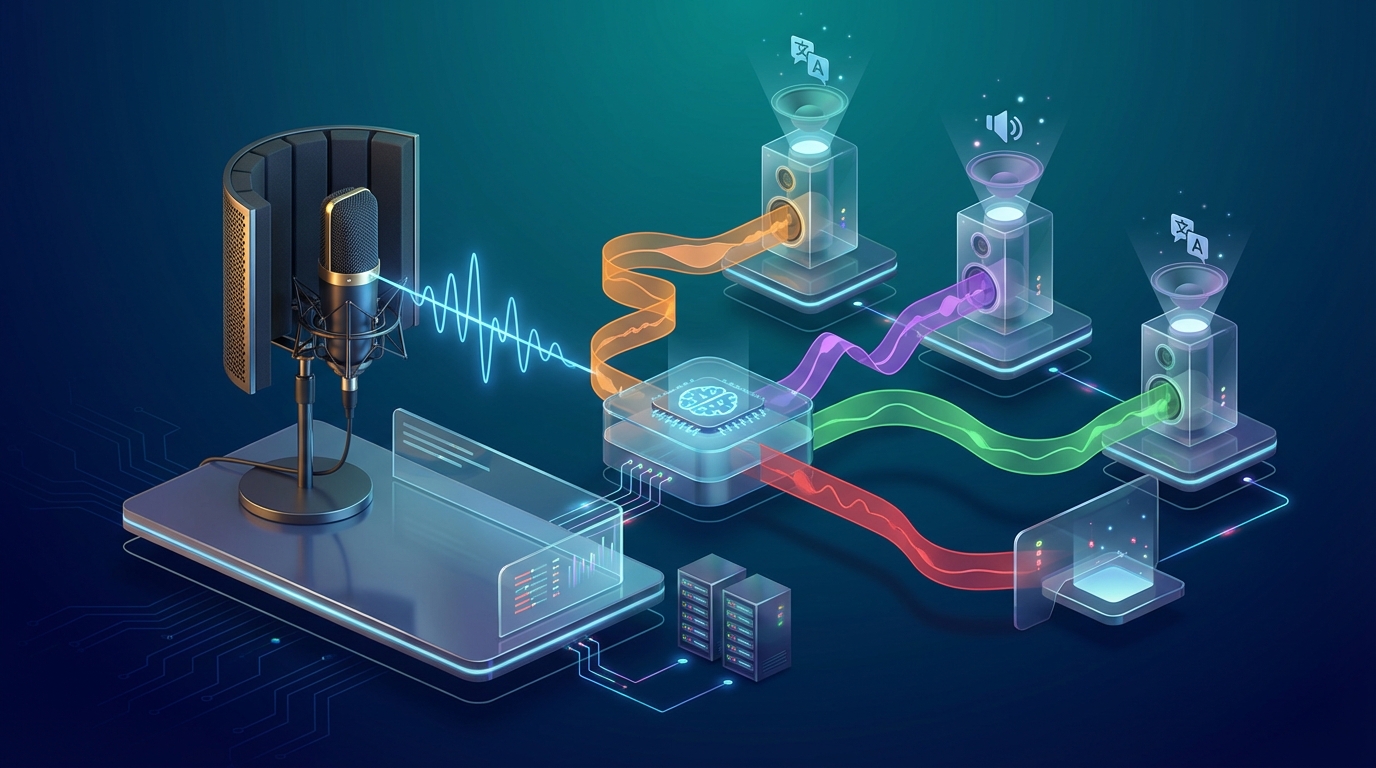
Voice Over Translation: The Complete Guide for Video Creators (2026)
Voice over translation is one of the fastest-growing needs in video production. As content crosses borders and creators expand into global markets, the question is no longer if you should translate your voice overs — it's how to do it effectively without breaking the bank. In this guide, I'll walk you through every method, from traditional voice over studios to the latest AI dubbing tools, so you can choose the right approach for your budget and quality requirements. What Is Voice Over Translation? Voice over translation is the process of replacing the original spoken audio in a video with a translated version in another language. Unlike subtitles (which appear as text on screen), voice over translation lets viewers hear the content in their own language. There are two main approaches:Dubbing: The translated voice audio replaces the original entirely. The lips on screen may or may not be synced to the new audio. Voice over (VO) style: The original audio is lowered slightly, and the translated narration plays over it. Common in documentaries and corporate videos.For most content creators, "voice over translation" refers to the full dubbing approach — replacing original audio with natural-sounding translated speech. Why Voice Over Translation Matters in 2026 The numbers are hard to ignore:72% of internet users prefer content in their native language (CSA Research) YouTube videos with dubbed audio see 40-80% more views in non-English markets Spanish and Portuguese speakers represent over 700 million potential viewers — most consuming zero English-only content MrBeast built a $50M+ channel empire largely by dubbing every video into 10+ languages from day oneThe traditional barrier was cost. Professional voice over studios charge $1,000–$5,000+ per video. AI has changed this equation completely. Method 1: Traditional Voice Over Studios The gold standard for quality, but also the most expensive option. How it works:Script is translated by a professional translator Native-speaking voice actors record the translated script Audio is edited, mixed, and synced to the video Final version is deliveredPros:Highest quality — natural pronunciation, emotion, pacing Lip-sync options available (at extra cost) Professional studio acousticsCons:Expensive: $800–$5,000+ per video depending on length and languages Slow: 1–3 weeks per video Difficult to scale across multiple languages simultaneouslyBest for: High-stakes corporate videos, film and TV localization, content where quality is non-negotiable. Method 2: Freelance Voice Actors A more affordable version of the studio approach using platforms like Voices.com, Voice123, or Fiverr. How it works:You hire a translator to translate your script (or use AI translation) You hire a native voice actor for the target language They record the translated script at home or in their studio You (or a hired editor) sync the audio to your videoPros:More affordable than studios: $100–$500 per video Access to diverse voices and accents Good quality if you vet the voice actor carefullyCons:Requires project management (coordinating translator + voice actor) Quality varies significantly between voice actors Still takes days to weeks Doesn't scale well to 5+ languagesBest for: Creators who need quality but have limited budget, single-language expansion. Method 3: AI Voice Over Translation This is where the industry has moved dramatically in the past two years. AI dubbing tools now handle the entire pipeline — transcription, translation, voice synthesis, and lip-sync — in minutes rather than weeks. How it works:Upload your video to an AI dubbing tool The AI transcribes your original speech Translates it into your target language(s) Generates a natural-sounding voice in the target language Syncs the new audio to your video Delivers the dubbed video, ready to publishPros:Fast: 5–30 minutes per video (depending on length) Affordable: $20–$200/month for unlimited dubbing Scales to 20, 30, even 50+ languages simultaneously Quality has improved dramatically — often indistinguishable from human VOCons:Quality ceiling slightly below top human voice actors for very nuanced content Some tools struggle with complex terminology or industry jargon Lip-sync still imperfect for close-up face shotsBest for: Content creators, YouTubers, course creators, marketing teams — anyone who needs to scale across multiple languages quickly. Top AI Voice Over Translation Tools in 2026 Here's a quick comparison of the leading tools:Tool Languages Pricing Best ForNovaDub 50+ From $29/mo YouTube creators, course creatorsElevenLabs 30+ From $5/mo Voice quality focusRask AI 130+ From $60/mo Enterprise/agencyHeyGen 40+ From $24/mo Avatar videosPapercup 40+ Custom pricing Enterprise broadcastIf you're a content creator dubbing YouTube videos or online courses, NovaDub is optimized specifically for your workflow — preserving your voice characteristics in the translated version while keeping it natural for native speakers.How to Choose the Right Method Use traditional studios if:You have $1,000+ per video to spend You need broadcast-quality audio (TV, film) Lip-sync accuracy is critical (character-driven content)Use freelance voice actors if:You need one or two language versions You have 3–5 days per video Budget is $200–$500 per videoUse AI voice over translation if:You need to scale to 3+ languages You want to publish within hours, not weeks Budget is $30–$150/month for multiple videos You're a solo creator or small teamStep-by-Step: AI Voice Over Translation with NovaDub Here's exactly how the process works on a modern AI dubbing platform: Step 1: Upload your video Drag and drop your video file or paste a YouTube URL. NovaDub supports MP4, MOV, AVI, and most common formats. Step 2: Select your target languages Choose from 50+ languages. You can select multiple languages simultaneously — dub into Spanish, French, and German in one operation. Step 3: Review the transcription The AI generates a transcript of your original audio. Review it for accuracy, especially with proper nouns, brand names, or technical terms. Step 4: Review and edit the translation The AI translates your script into each target language. You can edit translations directly in the dashboard if needed. Step 5: Preview and export Preview the dubbed video in each language. Adjust voice style, pacing, or specific lines if needed. Export the final dubbed video. The whole process takes 5–15 minutes for a 10-minute video. Quality Tips for Better Voice Over Translations Regardless of which method you choose, these tips will improve your results:Start with clean audio AI dubbing tools (and human voice actors) work better when the original audio is clear. Avoid heavy background music, echo, or multiple people talking simultaneously.Speak at a natural pace Very fast speech increases transcription errors. A natural, clear pace produces better results.Avoid idioms that don't translate "Hit the ground running," "under the weather," "bite the bullet" — these don't translate literally. Consider replacing them with more universal expressions, or review the translation carefully for awkward idioms.Review translations with a native speaker If quality is important, have a native speaker review the translation before publishing. Even AI translations can miss nuance or cultural context.Use voice cloning for brand consistency Advanced AI tools like NovaDub can clone your original voice, so the dubbed version sounds like you speaking Spanish or Portuguese — not a generic AI voice. This is especially valuable for personal brands and creators.Voice Over Translation Pricing Breakdown Here's what to budget based on your needs: Solo creator (1–4 videos/month)AI tool subscription: $20–$50/month Optional: Native speaker review on Fiverr: $15–$30/video Total: $30–$110/monthGrowing channel (10–30 videos/month)AI tool subscription: $50–$150/month Occasional quality review: $50–$100/month Total: $100–$250/monthBusiness/corporate (50+ videos/month)AI tool business plan: $200–$500/month Internal QA process (native-speaking team member): already in your payroll Total: $200–$500/monthCompare this to traditional studios charging $1,000–$5,000 per video. For a creator publishing 10 videos/month, AI voice over translation means saving $10,000–$50,000 every single month. Common Voice Over Translation Mistakes to Avoid Mistake 1: Translating word-for-word Good voice over translation adapts the content culturally, not just linguistically. A phrase that's punchy in English might sound awkward in German if translated literally. AI tools handle this reasonably well, but always review the output. Mistake 2: Ignoring lip-sync for close-up content If your video has lots of close-up talking head shots, viewers will notice if the lip movements don't match the translated audio. For this content type, either use a tool with lip-sync capabilities or accept that viewers will see a mismatch. Mistake 3: Using one voice for all content Different content types need different voice styles. A corporate training video needs a professional, measured tone. A YouTube vlog needs something more casual and energetic. Make sure your chosen tool lets you control voice style. Mistake 4: Neglecting the translated video's SEO When you publish a dubbed version, create a new video on YouTube with translated title, description, and tags in the target language. Don't just upload the dubbed video with English metadata — you'll miss the SEO benefit entirely. Mistake 5: Dubbing everything immediately Start with your highest-performing content. Dub your top 5–10 videos before creating new dubbed content from scratch. Your proven performers are most likely to perform well in other languages too. The Future of Voice Over Translation AI voice over translation is improving at a rapid pace. Here's where the technology is heading:Real-time translation: Live dubbing for streams and webinars (already possible in limited forms) Perfect lip-sync: AI video editing that adjusts mouth movements to match translated audio (HeyGen and others are working on this) Voice cloning at scale: Your exact voice, speaking any language, indistinguishable from native Emotion preservation: AI that maintains the emotional tone and energy of your original performance Dialect selection: Not just "Spanish" but Mexican Spanish, Castilian Spanish, Argentine Spanish with regional voice characteristicsWe're 2–3 years away from voice over translation that's indistinguishable from native human production at a fraction of the current cost. Conclusion Voice over translation is no longer a luxury for well-funded production companies. With AI dubbing tools, any creator, marketer, or educator can reach global audiences in their native language within hours. The right approach depends on your budget, quality requirements, and scale:For high-stakes professional content: traditional studios For one or two languages on a budget: freelance voice actors For scaling to multiple languages quickly: AI dubbing tools like NovaDubIf you're creating content that deserves a global audience, the question isn't whether to translate your voice overs — it's which tool to start with today.Ready to translate your voice overs? Try NovaDub free — no credit card required, first video free.
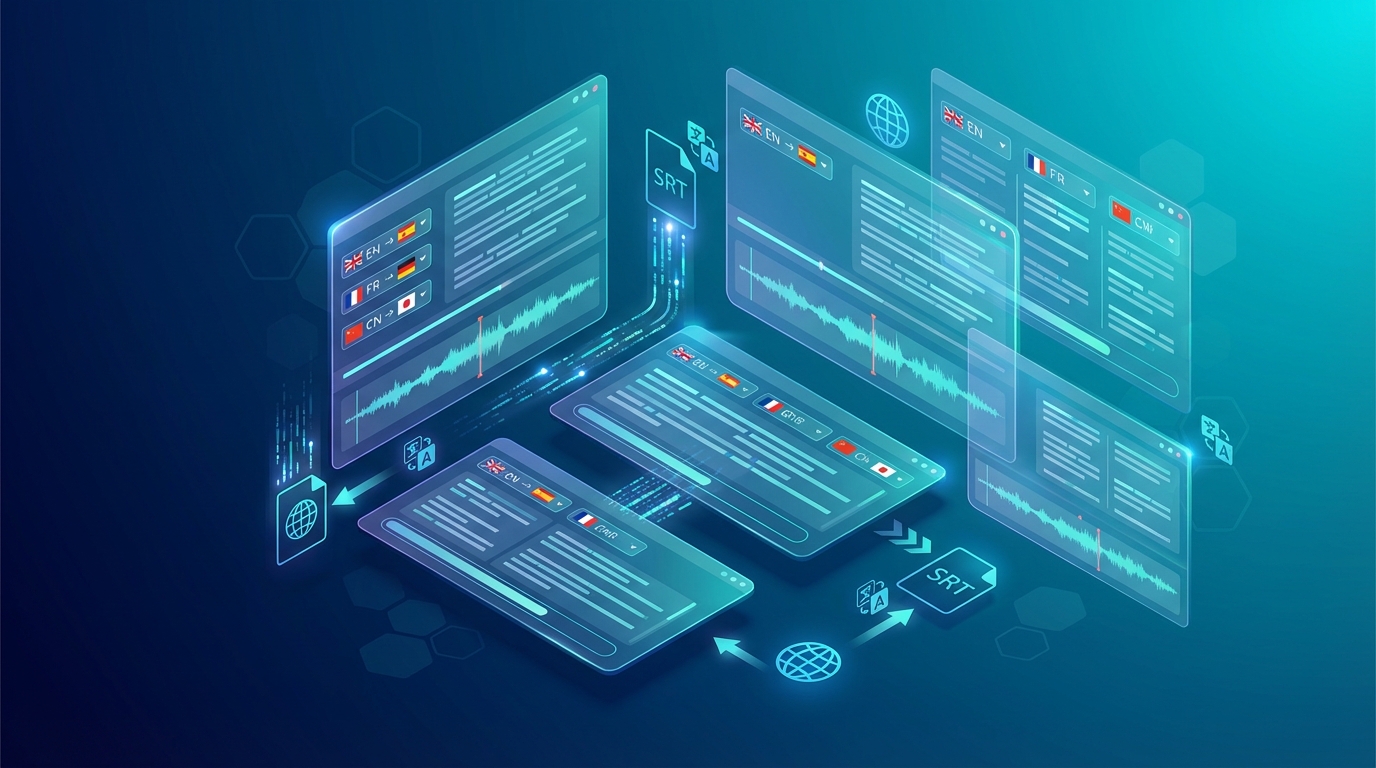
Best Subtitle Translation Tools in 2026: Free & Paid Compared
Subtitle translation has gotten dramatically better in the last two years. What used to take a professional translator hours can now be done in minutes with AI. But with dozens of tools claiming to "automatically translate your subtitles perfectly," how do you know which one to actually use? I've been testing subtitle translation tools extensively for NovaDub's workflows. Here's my honest breakdown of what works, what doesn't, and when you should pay for a premium tool versus sticking with a free option. 🧠 How Subtitle Translation Tools Work Before comparing tools, it helps to understand what's happening behind the scenes. Every subtitle translation tool follows these steps:Transcription: The AI listens to your video audio and creates a text transcript with timestamps Translation: The transcript gets translated into the target language(s) Timing sync: The translated subtitles are synced to match the video pacing Export: You get a subtitle file (SRT, VTT, ASS) or embedded subtitlesThe quality gap between tools comes almost entirely from steps 1 and 2. Transcription accuracy and translation quality vary enormously.Important distinction: some tools are *subtitle translators* (they translate existing SRT/VTT files you upload), while others are *all-in-one* tools that go from video → translated subtitles automatically. If you already have subtitles, a dedicated translator is faster. If you're starting from video, you want an all-in-one tool.🏆 Best Subtitle Translation Tools in 2026 1. NovaDub — Best for Quality + Audio Dubbing Combo NovaDub is unique because it offers both translated subtitles AND full AI dubbing in the same workflow. You upload your video, choose your target language, and you get back: translated subtitles in SRT/VTT format + a fully dubbed audio track. For creators who want the complete localization package, this is unbeatable. The subtitle quality is excellent because NovaDub uses top-tier transcription (accurately handles accents, technical terms, background noise) before applying a high-quality translation layer. Strengths:Translated subtitles + audio dubbing in one tool 29 languages supported High accuracy on complex content (technical, fast speech, accents) SRT and VTT export European platform with GDPR compliance Free 5-minute trialWeaknesses:Not a standalone subtitle-only tool (comes with dubbing) Higher price point reflects full audio+subtitle outputBest for: Creators who want professional localization (not just subtitles) Pricing: From €0.99/min; plans from €39/month2. Kapwing — Best All-in-One Free Option Kapwing is a browser-based video editor that includes solid automatic subtitle translation. The free tier is genuinely useful: you can translate subtitles for videos up to 30 minutes, export to SRT, and the quality is good enough for most social media content. Strengths:Generous free tier No software installation (browser-based) Good UI for editing and tweaking subtitles Supports 70+ languagesWeaknesses:Kapwing watermark on free exports Translation accuracy drops on technical or domain-specific content Free tier has export limitationsBest for: Casual creators who need quick subtitle translation without paying Pricing: Free (with watermark); $16/month for watermark-free exports3. Submagic — Best for Social Media Creators Submagic built its product specifically for short-form video creators. The subtitles look polished, it handles aspect ratio conversion (9:16, 1:1, 16:9), and the translation is solid for casual content. Strengths:Designed for Reels/Shorts/TikTok Auto-captions look professional out of the box Good translation for conversational contentWeaknesses:More expensive than alternatives for heavy use Less accurate on technical or formal content Limited SRT export optionsBest for: Short-form video creators (TikTok, Reels, Shorts) Pricing: From $20/month4. Maestra.ai — Best for Professional Use Maestra positions itself at the professional end of the market. Their subtitle translation covers 125+ languages, the transcription accuracy is high (they claim 99%), and the interface gives you fine-grained control over timing and formatting. Strengths:125+ languages High transcription accuracy Team collaboration features Speaker identification API accessWeaknesses:Pricing is steep for casual use Can be overkill for simple needsBest for: Media companies, agencies, teams with regular localization volume Pricing: From $29/month; heavy use requires $79+/month plans5. Checksub — Best Dedicated Subtitle Platform Checksub is one of the few platforms that focuses exclusively on subtitles and captions. No video editing, no dubbing — just clean, accurate subtitle translation with a professional workflow. They support 120+ languages and have a hybrid AI+human review option. Strengths:Subtitle-focused (not a general video editor) Clean, intuitive interface Human review option for critical content Strong format support (SRT, VTT, TTML, etc.)Weaknesses:No dubbing/voice output Pricing not fully transparentBest for: Subtitle-heavy workflows (eLearning, corporate training, broadcasting)6. YouTube Auto-Translate — Free but Limited YouTube's built-in auto-translate for captions is worth mentioning because it's free and built into the platform you already use. You turn on auto-generated captions, then viewers can choose any language from YouTube's translation. The catch: YouTube's auto-translate quality varies wildly. It works acceptably for major languages (Spanish, French, German) but degrades noticeably for less common languages. More importantly, viewers have to manually enable translated captions — they don't see them by default. Strengths:Completely free No extra tools needed Integrated into YouTube workflowWeaknesses:Viewer must manually enable translated captions Quality is inconsistent No downloadable translated SRT fileBest for: Quick testing or languages where you can't afford professional translation7. Translate.Video — Best for Simple SRT Translation If you already have an SRT subtitle file and just need it translated, Translate.Video is one of the cleanest tools for this specific task. Upload your SRT, choose a target language, download the translated file. Fast, cheap, and does exactly what it says. Strengths:Dead-simple interface for SRT-to-SRT translation Very affordable Supports 75+ languagesWeaknesses:No transcription (you need to provide SRT file) Limited post-translation editing toolsBest for: Users who already have SRT files and need translation only Pricing: Pay-as-you-go from $10; plans from $19/month📊 Comparison at a GlanceTool Free Tier Languages Audio Dubbing Best ForNovaDub ✅ (5 min) 29 ✅ Quality + dubbingKapwing ✅ (watermark) 70+ ❌ Free casual useSubmagic ❌ trial 50+ ❌ Short-form videoMaestra.ai ✅ limited 125+ ❌ ProfessionalChecksub ❌ 120+ ❌ Subtitle workflowsYouTube ✅ 100+ ❌ Quick/freeTranslate.Video ✅ 75+ ❌ SRT translation🤔 Which Tool Should You Use? If you want the best quality and also need audio dubbing: NovaDub — you get translated subtitles + a professional voiced version in one workflow. If you're a casual creator with a tight budget: Kapwing free tier gets you 80% of the way there. If you post on TikTok/Reels/Shorts: Submagic handles the format requirements better than generic tools. If you run a media company or agency: Maestra.ai or Checksub give you the professional control and scale you need. If you just need an SRT file translated quickly: Translate.Video is the fastest path.🚨 Common Mistakes to AvoidTrusting AI translation for formal or legal content without reviewAI subtitle translation is excellent for casual and educational content, but formal contracts, legal disclaimers, or medical content need human review. The AI won't flag nuanced errors.Ignoring subtitle timing after translationTranslated text is often longer or shorter than the original. A sentence that takes 3 seconds in English might take 4.5 seconds in German. Always check that subtitles don't overflow their time slots.Using YouTube auto-translate and calling it doneViewers won't see those captions unless they manually switch them on. If you're serious about reaching international audiences, burn in the translated subtitles or upload a translated SRT directly to the video.Choosing a tool based only on number of languages supported"Supports 130 languages" sounds impressive, but quality drops sharply for less common language pairs. Test your actual language pair before committing.🎯 Final Recommendation For most content creators, the right tool depends on your volume and whether you need audio too:Just subtitles, low budget: Kapwing free Subtitles + dubbing, quality matters: NovaDub Professional/enterprise use: Maestra.ai or ChecksubWhatever tool you use, remember: AI subtitle translation is a time-saver, not a finished product. Always do a quick sanity check on the output — even 10 minutes of review catches the errors that would embarrass you in front of an international audience.Tried one of these tools? Reach out at [email protected] — we're always collecting real-world data on what works best.
Best AI Video Translator Tools in 2026: Complete Comparison
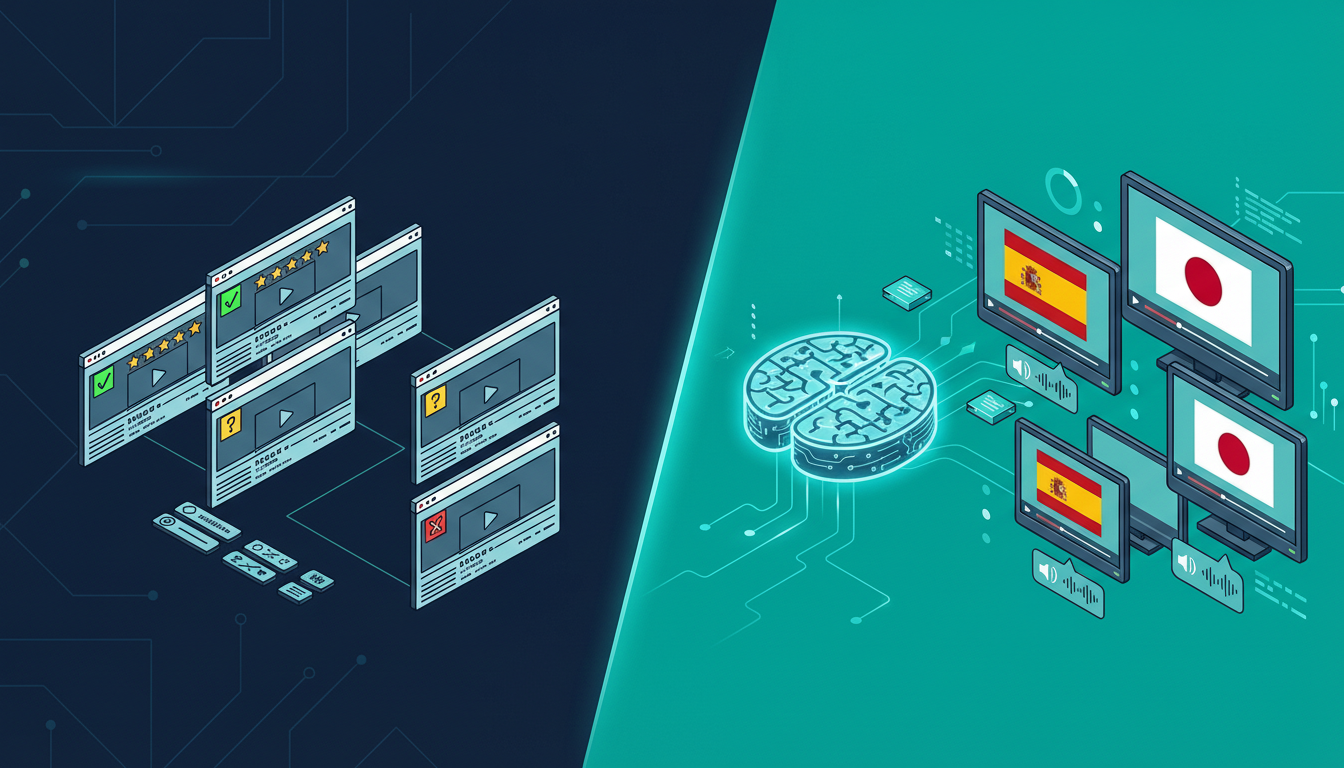
If you've searched for "AI video translator" recently, you've probably noticed the landscape has exploded. A year ago, you could count the serious options on one hand. Today there are dozens of platforms, each claiming to offer seamless automatic video translation. But which ones actually work? I spent three weeks testing every major AI video translator on the market. I translated the same 10-minute video (a product demo with technical language) into Spanish, French, German, and Japanese across all platforms. Here's what I found. 🤖 How AI Video Translation Actually Works Before diving into the comparison, it helps to understand what these tools are actually doing under the hood. Every AI video translator follows roughly the same pipeline:Speech-to-text: The AI listens to your video and creates a text transcript Translation: That transcript gets translated into the target language Voice synthesis (TTS): A new voice track is generated in the target language Lip sync / timing: The new audio is synchronized with the videoThe quality difference between platforms comes down to how well they execute each step—and which underlying AI models they use for each component.The single biggest quality differentiator is the voice synthesis engine. Platforms using ElevenLabs or similar top-tier TTS produce voices that sound genuinely human. Platforms using older synthesis engines sound robotic and stilted.🏆 The Best AI Video Translators in 2026 1. NovaDub — Best Overall Quality NovaDub stands out for one key reason: it uses ElevenLabs for voice synthesis. ElevenLabs is widely considered the best AI voice technology available, and you can hear the difference immediately. The translated voices sound natural, with proper pacing, emotional inflection, and the subtle imperfections that make speech feel human. The platform handles 29 languages and offers voice cloning: your translated video can sound like you speaking the target language, not a generic AI voice. For content creators who've built an audience around their personal style, this is a game-changer. Strengths:Best-in-class voice quality (ElevenLabs powered) Voice cloning in all 29 supported languages European platform with strong privacy compliance Clean, intuitive interface available in multiple languages 5-minute free trial, no credit card requiredWeaknesses:Slightly higher price point than some competitors 29 languages (less than some platforms claiming 100+, but those often have lower quality)Best for: Creators and businesses who prioritize quality over quantity Pricing: From €0.99/min pay-as-you-go; monthly plans from €39Pro Tip: NovaDub's voice cloning feature works remarkably well even with background music. If your video has a music bed, the AI is smart enough to maintain it in the translated version while replacing only the speech.2. HeyGen — Best for Video Avatars HeyGen focuses on video synthesis rather than pure translation. Their main differentiator is lip sync technology: the avatar or presenter in your video actually moves their lips to match the translated audio. It's visually impressive. Strengths:Impressive lip sync Good for corporate presentations with on-camera presenters Integrates with common presentation toolsWeaknesses:Much higher price point ($89+/month for serious use) Voice quality noticeably behind NovaDub Limited value for voiceover-style contentBest for: Corporate video with on-camera presenters who need lip sync Pricing: From $29/month, but serious use requires $89+ plans3. Rask.ai — Best for Volume Rask has invested heavily in supporting a large number of languages (130+) and has built a solid workflow for bulk translation projects. Strengths:130+ languages supported Good API for developers Solid batch processingWeaknesses:Voice quality is inconsistent (depends heavily on language) Interface can be confusing for new users Customer support issues at scaleBest for: Enterprises processing large volumes across many languages Pricing: From $60/month4. Papercup — Best for Broadcast Papercup targets broadcasters and media companies, with a hybrid AI-human workflow that delivers broadcast-grade quality. Strengths:Highest quality outputs (humans review AI output) Strong industry reputationWeaknesses:Very expensive (enterprise pricing, typically $5,000+/project) Not accessible to individual creators or small businessesBest for: TV networks, streaming platforms, major publishers5. ElevenLabs Dubbing Studio — Best Free Option ElevenLabs, whose technology powers NovaDub's voice synthesis, offers their own dubbing studio. The quality is excellent (it's their own engine), but the product is more of a developer tool than a finished product. Strengths:Best voice quality (their own technology) Free tier available API access for developersWeaknesses:Less polished UX than dedicated platforms Limited language support compared to specialized tools No voice cloning matching your brand voiceBest for: Developers and tech-savvy users comfortable with raw tools📊 Head-to-Head ComparisonFeature NovaDub HeyGen Rask.ai ElevenLabs StudioLanguages 29 40+ 130+ 29Voice quality ⭐⭐⭐⭐⭐ ⭐⭐⭐ ⭐⭐⭐ ⭐⭐⭐⭐⭐Voice cloning ✅ ✅ ✅ LimitedLip sync ❌ ✅ ✅ ❌Price (entry) €39/mo $29/mo $60/mo FreeFree trial ✅ (5 min) ✅ (limited) ✅ (limited) ✅API access ❌ ✅ ✅ ✅Best for Quality Lip sync Volume DevsA note on languages: platforms claiming 100+ language support often achieve this with inconsistent quality. A tool that does 29 languages *excellently* is more useful than one that does 130 languages *poorly*.🎯 Which AI Video Translator Should You Choose? If you're a content creator (YouTuber, podcaster, course creator) and you want the best quality translated content, NovaDub is the clear winner. The voice quality is superior, the voice cloning feature preserves your personal brand, and the pricing is reasonable. If you work in corporate video with on-camera presenters and lip sync is a priority, HeyGen is worth the higher price. If you need to process a very high volume across dozens of languages and quality is secondary to scale, Rask.ai is the most practical option. If you're a developer building a custom workflow and want access to the best TTS engine available, ElevenLabs Studio gives you the raw power.🚀 How to Get Started with AI Video Translation Regardless of which tool you choose, the process is roughly the same:Select your best video — start with your highest-performing content Choose target languages — begin with 1-2 languages where you already have viewers Upload and translate — most tools take 5-15 minutes per video Review the output — always watch through the translated version before publishing Upload to your platform — YouTube supports multi-audio tracks, which is perfect for this workflowQuick win: check your YouTube Analytics → Audience → Geography before choosing which languages to translate into. You might already have viewers in Spanish-speaking countries who would watch much more if the audio was in their language.💡 FAQ Is AI video translation as good as human translation? For most content types, yes—especially with platforms using top-tier voice synthesis. Technical content with highly specialized jargon may benefit from human review of the AI output, but the AI gets it right 90-95% of the time. How long does AI video translation take? Typically 5-15 minutes for a 10-minute video, depending on the platform and target language. This is 100x faster than human translation, which typically takes 1-3 days. Can I translate a video I don't own? No. AI video translation tools require you to own or have rights to the content you're translating. Most platforms explicitly prohibit using their service to translate copyrighted content without permission. Does AI translation affect video quality? No. The original video file is unchanged. AI translation only adds a new audio track or replaces the existing one, leaving video quality intact. What's the best language to translate into first? For most English-speaking creators, Spanish is the highest-ROI first translation. There are 500+ million Spanish speakers, the YouTube audience is massive, and competition is lower than in English.Looking to translate your first video? NovaDub offers 5 free minutes with no credit card required—enough to test the quality on a real clip before committing to a paid plan.
-
 Paolo P.
 - 03 mar, 2026
AI Dubbing vs Voice Actors: An Honest Comparison for 2026
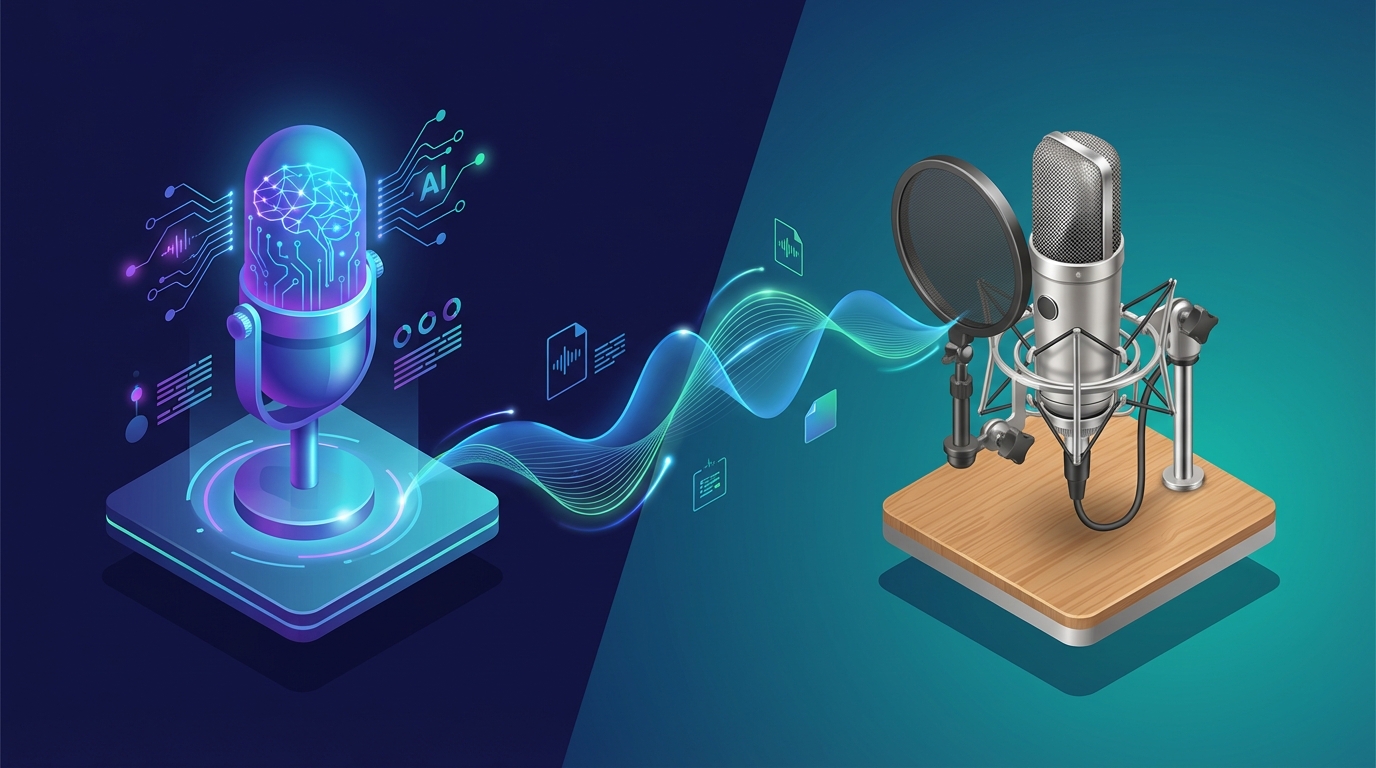
A few months ago I ran an experiment. I took the same 8-minute product demo video and had it dubbed into Spanish two ways: once by a professional voice actor I found on a well-known freelance platform, and once using AI dubbing through NovaDub. Then I showed both versions to fifteen Spanish-speaking colleagues without telling them which was which. The results surprised me. Eight people preferred the AI version. Five preferred the human version. Two said they couldn't tell the difference. The voice actor cost me $340 and took six days. The AI version cost me about €12 and took four minutes. That experiment taught me something important: the answer to "AI dubbing or voice actors?" isn't a simple one. It depends entirely on what you're dubbing, who it's for, and what your constraints are. 📊 The Comparison at a Glance Let's start with the numbers, because they tell a clear story.Factor AI Dubbing Professional Voice ActorsCost per minute €0.99 - €1.49 €30 - €100+Turnaround time 5-30 minutes 3-14 daysLanguages available 29+ simultaneously 1 per actorVoice consistency Perfect (same AI voice every time) Depends on actor availabilityEmotional range Good, improving rapidly ExcellentLip sync accuracy Very good Requires video editingScalability Unlimited Limited by talent poolRevisions Instant, free Additional cost + timeThe cost difference is staggering. For a 10-minute video dubbed into 5 languages, you're looking at roughly €75 with AI versus €1,500-5,000 with voice actors. That's a 20-65x difference.In 2026, AI dubbing quality has improved to the point where most listeners cannot reliably distinguish it from human dubbing in casual viewing contexts. The gap narrows further every few months.🤖 Where AI Dubbing Wins Speed and Scale This is where AI dubbing isn't just better—it's in a completely different category. A voice actor needs to schedule a recording session, perform the read, do retakes, edit the audio, and deliver the final file. Even the fastest professionals need 2-3 days minimum. AI dubbing processes a 10-minute video in about 5 minutes. Into any of 29+ languages. Simultaneously if you want. For a creator who publishes weekly, this means every video can be available in multiple languages on the same day it goes live. Cost Efficiency For independent creators, small businesses, and anyone working with a real budget, AI dubbing has made localization actually possible. Before AI, dubbing was a luxury reserved for companies that could spend thousands per video. Now a YouTuber with a $50/month budget can dub their entire output into two or three languages. NovaDub offers plans starting at €19/month for 15 minutes—enough for a weekly 3-4 minute video. The Business plan at €149/month covers 200 minutes, which handles a prolific creator's entire monthly output in multiple languages. Consistency If you work with a voice actor and they're unavailable for your next project, you need to find someone new—and your audience hears a different voice. With AI dubbing, the voice is perfectly consistent across every video, every time. For building a brand in a new market, this matters more than people think. Iteration Speed Need to update a tutorial because the software UI changed? With a voice actor, you're scheduling another session and paying again. With AI, you re-dub the updated section in minutes at minimal cost. This makes maintaining a library of localized content actually practical.🎭 Where Voice Actors Still Win I want to be honest about this, because there are scenarios where human voice actors remain the better choice. High-Stakes Emotional Content A heartfelt documentary. A dramatic film. A brand video where every emotional nuance needs to land perfectly. In these contexts, the best human voice actors bring a depth of emotional performance that AI hasn't fully matched yet. The gap is closing, but it's still there for the top tier of voice acting. Premium Brand Perception Some brands in luxury, entertainment, or high-end B2B want the "premium feel" that comes with knowing a human performed the dubbing. This is partly perception and partly real—a talented voice actor can add personality and warmth that elevates the content. Complex Character Work Animation, video games with multiple characters, content that requires distinct vocal personalities for different roles—these are areas where skilled voice actors can differentiate characters in ways that AI is still learning to match.Important distinction: when we say "voice actors win" in these areas, we're talking about the top 10-20% of voice talent. The average freelance voice actor on a budget platform often delivers results that are comparable to—or even below—current AI quality.🔄 The Hybrid Approach Here's what I've seen the smartest creators and companies do: use both. The strategy is simple:AI dubbing for the majority of content: tutorials, regular videos, product updates, social media content, internal communications Voice actors for flagship content: brand launch videos, annual reports, keynote presentations, high-production-value campaignsThis way, you get the scale and speed of AI for 90% of your content while reserving the premium touch of human actors for the 10% that really warrants the investment. A marketing agency I spoke with recently adopted exactly this approach. They use NovaDub for all client social media content and YouTube videos (saving roughly €8,000/month across their client base), while keeping their relationships with premium voice actors for TV spots and brand films. 📈 The Quality Trajectory This is the part that makes the comparison almost unfair to voice actors in the long run. AI dubbing quality is improving at an exponential rate. The voices available in 2024 were noticeably synthetic. By mid-2025, they were good. In 2026, they're genuinely impressive. Technologies like ElevenLabs (which powers NovaDub) have achieved:Natural breathing patterns and micro-pauses Emotional inflection that adapts to content Voice cloning that preserves the original speaker's characteristics Lip-sync optimization for video contentThe trajectory is clear: within 1-2 years, the quality gap for most use cases will be negligible. The cost and speed gap, however, will remain enormous. 🎯 Decision Framework: Which Should You Choose? Choose AI dubbing if:✅ You publish content regularly (weekly or more) ✅ Budget is a real constraint ✅ You need multiple languages ✅ Speed matters (same-day publishing) ✅ Content is informational, educational, or promotional ✅ You need easy revisions and updatesChoose voice actors if:✅ Budget is not the primary concern ✅ Content is highly emotional or dramatic ✅ You need only 1-2 languages ✅ Timeline is flexible (weeks, not hours) ✅ Brand perception of "human touch" is critical ✅ Content involves complex character performancesChoose a hybrid approach if:✅ You produce both regular and flagship content ✅ You want to maximize coverage while maintaining premium quality where it counts ✅ You're scaling localization across many languages and many videos💡 The Bottom Line The voice acting profession isn't disappearing—but its role is changing. Professional voice actors are increasingly moving toward high-value creative work where their unique human skills justify premium pricing. Meanwhile, AI dubbing is handling the vast volume of content that simply couldn't have been dubbed before because the economics didn't work. For most creators and businesses reading this, the practical answer is clear: AI dubbing is the right choice for the majority of your content. It's faster by orders of magnitude, cheaper by a factor of 20-50x, and the quality has crossed the threshold where it's good enough for professional use.Try it yourself: NovaDub offers 5 free minutes with no credit card. Upload your video, listen to the AI-dubbed version, and judge the quality with your own ears. That's worth more than any comparison article.The best way to decide? Stop reading comparisons and run your own test. Take a video, dub it with NovaDub, and listen to the result. You'll know within 30 seconds whether the quality meets your needs.Questions about AI dubbing quality or need help choosing the right approach? Reach out at [email protected].
How to Dub YouTube Videos: The Complete Guide for Creators (2026)
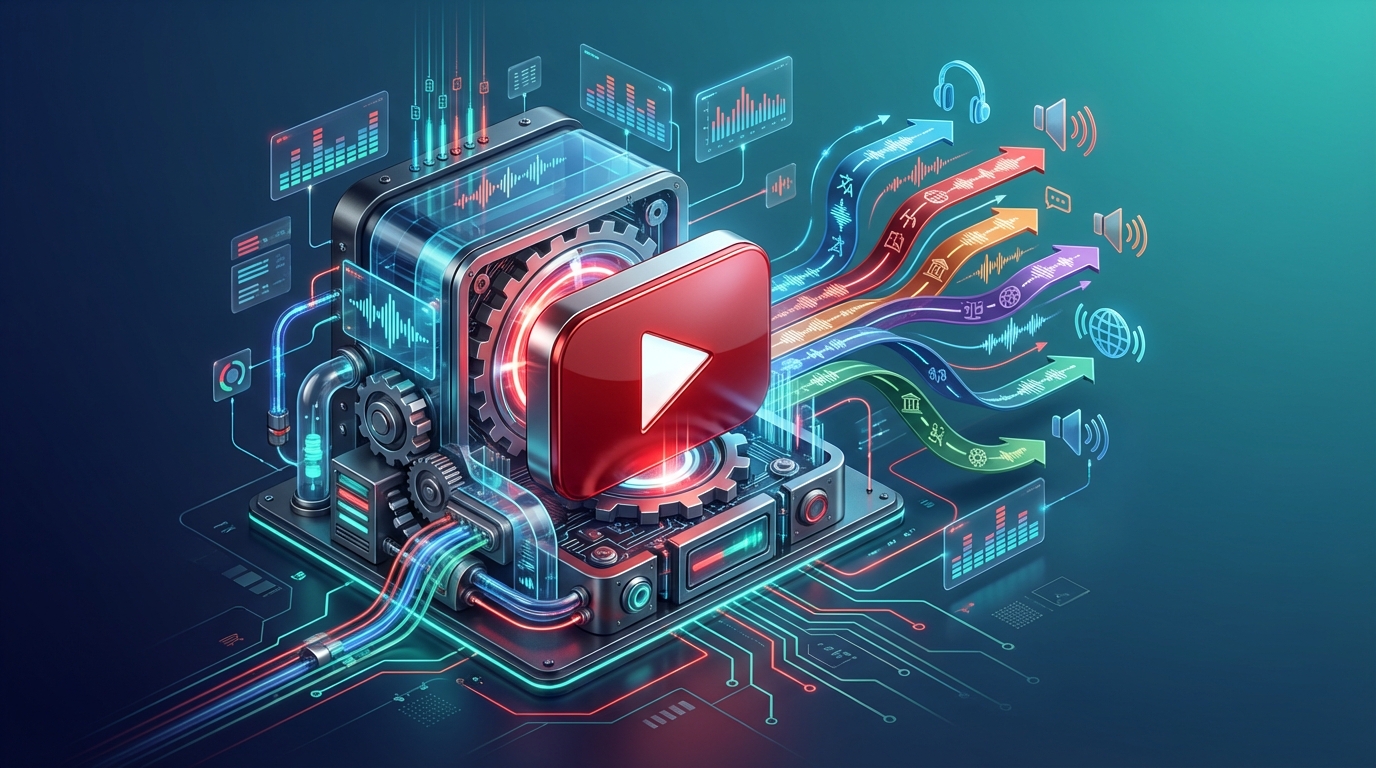
Last month I was looking at the analytics of a tech channel I follow. The creator had been stuck at around 50,000 subscribers for over a year, posting consistently, good thumbnails, solid SEO—everything by the book. Then in January he started uploading dubbed versions of his videos in Spanish and Portuguese. Within four weeks, his channel gained 12,000 new subscribers, almost all from Latin America and Brazil. Same content, same effort in production—just accessible to more people. That's the power of dubbing your YouTube videos, and in 2026 it's never been easier to do it. 🌍 Why YouTube Dubbing Is a Growth Multiplier Here's a number that should make every creator pause: YouTube has 2.7 billion monthly active users, and only about a quarter of them are native English speakers. If you're publishing only in English, you're competing for attention in the most saturated language on the platform while ignoring massive audiences that are actively looking for content in their own language. The Spanish-speaking market alone represents over 500 million people. Hindi speakers are growing at a rate that makes them the fastest-expanding audience on YouTube. Portuguese, Japanese, Korean, German—each of these languages opens a door to millions of potential viewers who would watch your content if only they could understand it.YouTube's algorithm treats dubbed videos as fresh content in new markets. A video that's plateaued in English can get a second life—and a second wave of views—in Spanish or Portuguese.And here's what most creators don't realize: YouTube's algorithm is language-aware. When you add a dubbed audio track in Spanish, YouTube can recommend that video to Spanish-speaking users who would never have seen it otherwise. You're not splitting your audience—you're multiplying it. 🎬 YouTube's Multi-Audio Track Feature In 2024, YouTube rolled out multi-audio tracks for all creators, and it changed the game completely. Before this feature, if you wanted to offer your video in multiple languages, you had two options: re-upload the video on a separate channel (fragmenting your audience) or add subtitles (which most viewers skip). Now you can attach multiple audio tracks to a single video. A viewer in Mexico sees your video with the Spanish audio track automatically selected. A viewer in Germany hears the German version. Everyone watches the same video, engages with the same comments section, and all the views count toward the same video's metrics. Here's how the feature works:Upload your video as normal in your original language Generate dubbed audio tracks using an AI dubbing service like NovaDub Go to YouTube Studio → select the video → click "Subtitles" Add audio track → select the language → upload the dubbed audio file YouTube processes it and makes it available to viewers in that languageThe entire upload process on YouTube's side takes about 10-15 minutes per language. The dubbing itself, if you're using AI, takes about 5 minutes per 10 minutes of video.Pro Tip: when uploading dubbed audio tracks, also add translated titles and descriptions for each language. This dramatically improves discoverability in international search results.🛠️ Step-by-Step: Dubbing Your YouTube Video with AI Let me walk you through the actual process, from start to finish. Step 1: Choose Your Video Start with your best-performing video. Not your newest one—your best one. The one with the highest retention rate and the most engagement. If it already works well in English, it has the highest chance of performing well internationally. Step 2: Dub It with NovaDub Go to NovaDub and upload your video. Select the target languages—I recommend starting with Spanish and Portuguese if you're in the tech, gaming, or lifestyle space. For business content, add German and French. The AI handles everything: transcription, translation, voice synthesis. If you enable voice cloning, the dubbed version will sound like you speaking the other language. It's genuinely impressive how natural it sounds. Processing time depends on video length. A 10-minute video typically takes about 5 minutes. A 30-minute tutorial might take 15-20 minutes. Step 3: Download and Review Always review the output before uploading. Pay attention to:Proper nouns (your name, brand names, software names) Technical terms specific to your niche Numbers and dates (these are occasionally mishandled) Timing sync (the dubbed audio should match lip movements reasonably well)In my experience, NovaDub gets it right about 95% of the time. The remaining 5% usually involves very niche jargon that's easy to catch on review. Step 4: Upload to YouTube Download the audio-only file from NovaDub (MP3 or WAV), then go to YouTube Studio:Select your video Click "Subtitles" in the left menu Click "Add language" → select the dubbed language Click "Add" next to "Audio track" Upload the audio file Add translated title and descriptionYouTube will process the audio track. This usually takes a few hours before it's available to viewers. Step 5: Optimize Metadata This is the step most creators skip, and it costs them views. For each language you add:Translate the title (don't just auto-translate—adapt it for that market) Translate the description with relevant keywords in that language Add tags in the target language Create a translated thumbnail if possible (even just the text overlay)📊 Which Languages Should You Prioritize? Not all languages deliver the same ROI. Here's a data-driven breakdown: Tier 1 — Highest Impact:🇪🇸 Spanish — 500M+ speakers, massive YouTube audience, lower competition than English 🇧🇷 Portuguese (Brazilian) — Brazil is YouTube's 3rd largest market 🇮🇳 Hindi — fastest-growing YouTube audience globallyTier 2 — Strong ROI:🇩🇪 German — high purchasing power, excellent for B2B and tech content 🇯🇵 Japanese — premium market, viewers willing to pay for courses/products 🇫🇷 French — covers France + large parts of Africa (growing market)Tier 3 — Niche but Valuable:🇰🇷 Korean — strong gaming and tech audience 🇮🇩 Indonesian — enormous population, rapidly growing internet access 🇸🇦 Arabic — underserved market with high demand for quality contentMy recommendation: start with two languages from Tier 1, measure results for 30 days, then expand. 💰 The Economics of YouTube Dubbing Let's run the numbers. Say you have a channel with 100 videos averaging 10 minutes each. That's 1,000 minutes of content. Traditional dubbing into one language: approximately $2,000-5,000 per video × 100 videos = $200,000-500,000. Obviously not feasible for most creators. AI dubbing with NovaDub: with a Business subscription at €149/month (200 minutes), you could dub your entire catalog into one language in about 5 months for under €750 total. Into five languages for under €3,750. The math is almost absurd. And the potential return? Even a modest 20% increase in views translates to meaningful revenue growth—not to mention sponsorship opportunities in new markets.NovaDub offers 5 free minutes with no credit card required. Enough to dub one video and test the quality before committing to a larger project.⚠️ Common Mistakes to Avoid After watching dozens of creators go through this process, here are the pitfalls I see most often:Dubbing everything at once — Start with your top 5-10 videos. Measure, learn, then scale. Ignoring metadata translation — A dubbed video with English-only title and description won't get recommended to international audiences. Not reviewing the output — AI is excellent but not perfect. A 2-minute review can catch the occasional awkward translation. Choosing languages based on gut feeling — Check your YouTube Analytics → Audience → Geography. You might be surprised where your existing international viewers are coming from. Expecting overnight results — Give it 2-4 weeks. YouTube needs time to start recommending your content to new audiences.🚀 Getting Started Today Here's the minimum viable approach:Pick your best-performing video Go to NovaDub and dub it into Spanish Upload the audio track to YouTube with translated metadata Wait 2 weeks and check the analyticsThat's it. One video, one language, minimal time investment. If it works (and based on what I've seen, it almost always does), you'll have the data to justify scaling up. The creators who will dominate YouTube in the next few years aren't necessarily the ones making the best content. They're the ones making their content accessible to the largest possible audience. Dubbing is how you get there.Ready to try it? NovaDub offers 5 free minutes—enough to dub your first YouTube video and see the results for yourself.
YouTube Multi-Audio: How to Add Multiple Languages to Your Videos
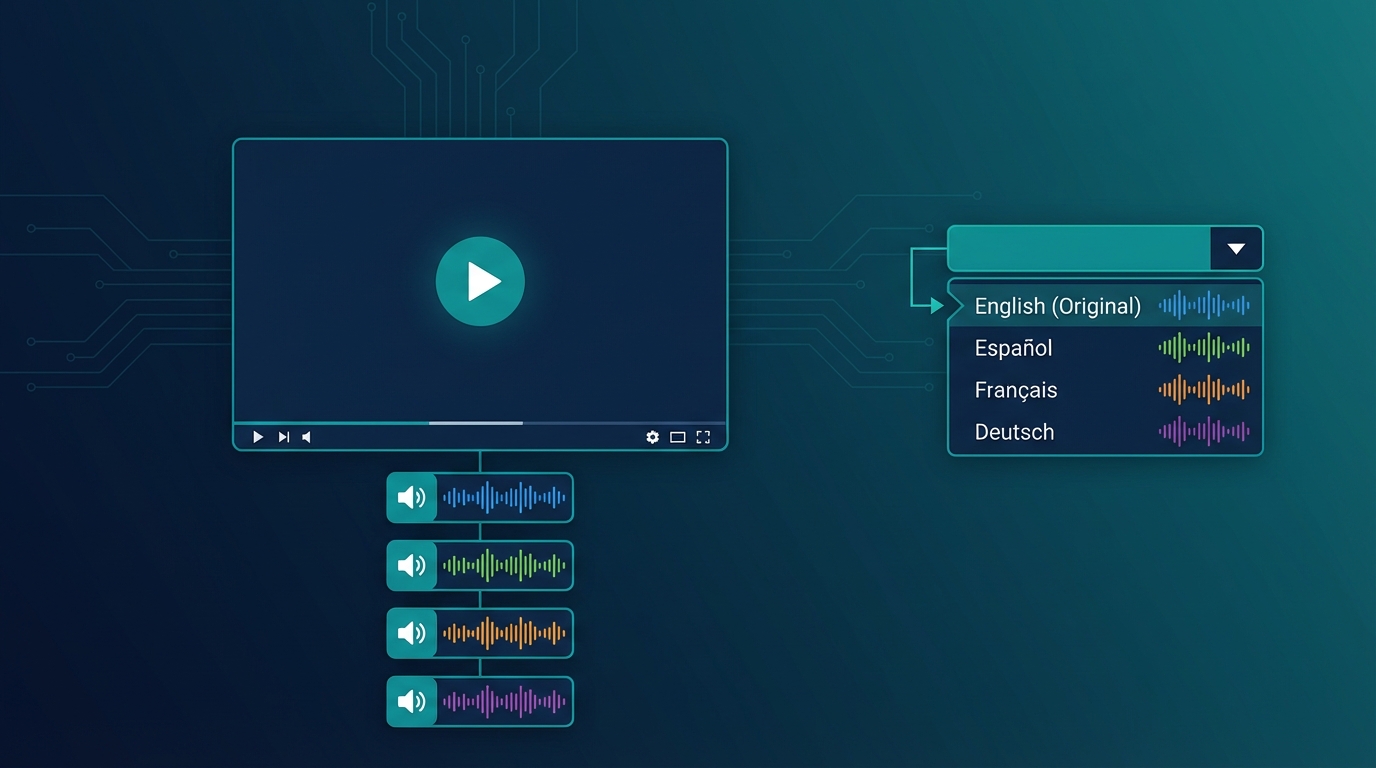
YouTube has introduced a feature that many creators still don't know about or fully utilize: Multi-Audio. This feature allows viewers to choose the audio language directly from the player, without having to search for secondary channels or alternative versions of the video. In this guide, I'll show you exactly how it works and how to use it to expand your global audience.Important: YouTube's Multi-Audio lets you upload up to 6 audio tracks in different languages on a single video. Viewers can switch languages with one click directly from the player.🔊 What Is YouTube Multi-Audio The Multi-Audio feature (also called "Audio Track" or "Multiple Audio Tracks") allows you to upload alternative audio versions of the same video. Viewers can select their preferred language by clicking the settings icon in the player. How it appears to viewers:Click the gear icon ⚙️ Select "Audio track" Choose from available languages Audio changes instantlyThe video stays the same, but the voice changes language. It's like having a remote control for dubbing. 💡 Multi-Audio vs Separate Channels: Pros and Cons Before implementing Multi-Audio, it's important to understand when to use it versus the separate channels strategy (MrBeast style). Multi-Audio Advantages ✅ Single video to manage: Unified metrics, centralized comments, less maintenance ✅ No additional channels: You don't have to build separate audiences from scratch ✅ Smooth user experience: International viewers find your video and choose the language ✅ Algorithm boost: YouTube tends to promote Multi-Audio videos in corresponding markets ✅ Ideal for evergreen content: Tutorials, how-tos, reviews that don't require frequent updates Multi-Audio Disadvantages ❌ Less SEO control: Single title/description (you can only translate in metadata) ❌ Aggregated statistics: Hard to understand which language performs better ❌ Mixed community: Comments in all languages in the same place ❌ Single thumbnail: You can't customize for each marketPro Tip: use Multi-Audio for tutorial/educational content and separate channels for entertainment/personality-driven content where localized community matters more.📝 Tutorial: Adding Multi-Audio to Your Videos RequirementsVerified channel At least 1,000 subscribers No active strikes Separate audio file (audio track only, not video)Step 1: Prepare the Audio Tracks For each language, you need an audio file:Format: AAC, MP3, WAV Exact same duration as original video Dubbed voice only (original music stays)How to get the tracks:Dub the video with NovaDub Download the complete version (video + dubbed audio) Extract only the audio with a tool like FFmpeg:ffmpeg -i dubbed_video.mp4 -vn -acodec copy audio_language.aacOr NovaDub can export the separate audio track directly. Step 2: Access YouTube StudioGo to studio.youtube.com Select the video to add tracks to Click "Subtitles" in the side menu Look for the "Audio tracks" sectionStep 3: Upload Audio TracksClick "Add audio track" Select the language Upload the audio file Give the track a title (e.g., "Español - AI Dub") Wait for processing (may take a few minutes) Repeat for each languageStep 4: Verify and PublishUse preview to verify synchronization Check that audio is aligned with video Save changes Tracks become active immediatelyWarning: synchronization is critical. If dubbed audio has a different duration by even a few seconds, it will be misaligned. Tools like NovaDub automatically handle timing.🎯 Best Practices for Multi-Audio Optimize Metadata YouTube allows you to add translated titles and descriptions:In YouTube Studio, go to "Details" Click "Add language" Enter translated title and description Repeat for each languageThis improves discoverability: when someone searches in Spanish, they can find your video with a Spanish title even if the original is English. Promote the Feature Many viewers don't know they can change language. Tell them explicitly: In the video: "This video is available in Spanish - click settings to change language" In description: Add a note about available languages In comments: Pin a comment explaining how to change language Monitor Performance Even though statistics are aggregated, you can deduce some information:Geolocation: YouTube Analytics shows where views come from Retention by country: See if certain markets have different retention Subscriber growth: Monitor which countries new subscribers come from🔄 Optimal Workflow with NovaDub Here's the most efficient process for adding Multi-Audio to your videos:Publish the original video on your channelUpload the same video to NovaDub and select target languagesDownload the dubbed versions (complete videos)Extract audio tracks from each versionUpload them as Multi-Audio on YouTube StudioTotal time: about 30-45 minutes for 3 languages (of which 20-25 waiting for processing) Cost example: 10-minute video × 3 languages = ~$50Note: if you use NovaDub subscription, cost drops significantly. With Creator plan (€49/month for 50 minutes) you can handle about 4-5 ten-minute videos per month in 3 languages.📊 When to Use Multi-Audio vs Separate ChannelsSituation Better ChoiceTutorial/educational channel Multi-AudioEntertainment/personality channel Separate channelsUnder 10K subscribers Multi-Audio (build main first)Over 100K subscribers Consider separate channelsEvergreen content Multi-AudioTrending/newsjacking content Separate channels (more timing control)Limited budget Multi-Audio (less overhead)Dedicated team Separate channels (maximum control)🚀 Hybrid Strategy Many successful creators use both approaches: Multi-Audio for:Pillar/cornerstone videos In-depth tutorials High-value evergreen contentSeparate channels for:Daily/weekly content Trend-sensitive videos Priority markets (e.g., only Spanish and Portuguese as separate channels)This hybrid strategy allows maximizing reach without multiplying workload. ✅ Conclusion YouTube's Multi-Audio is a powerful but underutilized tool. It allows you to reach global audiences without the complexity of managing multiple channels. To start today:Choose one of your best videos Dub it in 2-3 languages with NovaDub Extract the audio tracks Upload them as Multi-AudioIn under an hour, your video will be accessible to millions more people.Ready to make your videos multilingual? Try NovaDub free with 5 minutes included to test quality. Have you used YouTube Multi-Audio? Tell us your experience in the comments!
- 23 gen, 2026
NovaDub vs Rask AI: Which AI Dubbing Tool Should You Choose in 2026?
If you're reading this, you're probably facing an important decision: which tool should you use to dub your videos with artificial intelligence? The market offers several options, but two names keep coming up in searches: NovaDub and Rask AI. I've tested both platforms extensively, analyzing every aspect that truly matters to video content creators. In this article, I'll share my findings honestly to help you make an informed decision. ⚡ The Quick Verdict For those in a hurry: if you're a creator, YouTuber, or manage social media content, NovaDub offers the best value thanks to ElevenLabs technology and automatic publishing to YouTube and TikTok. If you work at an agency that needs to translate content into rare languages like Bengali or Swahili, Rask AI with its 130+ languages might be worth considering.Pro Tip: the right tool choice depends on your specific use case. For creators and social media, prioritize voice quality and publishing ease. For agencies, evaluate the number of supported languages.But let's take it step by step. 🔄 Two Different Philosophies The first thing I noticed when testing both platforms is that they were built with different goals in mind. NovaDub was designed with European creators in mind. The interface is available in multiple languages, prices are in euros, and there's a feature I haven't found anywhere else: the ability to publish dubbed videos directly to YouTube or TikTok without intermediate steps. This alone is worth its weight in gold for anyone managing channels in multiple languages. Rask AI, on the other hand, was born as an enterprise solution. It supports over 130 languages, has team management features, and clearly targets the localization agency market. The pricing reflects this positioning.💰 The Price Question Let's talk money, because that's what matters to most people. With NovaDub, you can start at €0.99 per minute for the Lite plan (which includes a small watermark) or €1.49 per minute for Pro without watermark. The interesting part is that you're not forced into a subscription: you pay for what you use, period. If this month you have a 10-minute project and next month nothing, you spend nothing. Rask AI works differently. The cheapest plan starts at $60 per month for 25 minutes, which works out to about $2.40 per minute. If you use all the minutes, great. But what if one month you only use 5? You lose them. Sure, you can upgrade to Creator Pro at $120 for 100 minutes (~$1.20/min), but we're talking about a significant monthly financial commitment. In practical terms: to dub a 10-minute video, NovaDub costs you between €9.90 and €14.90 as a one-time payment. With Rask AI, you first need to activate a subscription of at least $60.Warning: with monthly subscription models, unused minutes are lost. If your production is irregular, pay-as-you-go might be more cost-effective.🎙️ Dubbing Quality This is where things get interesting. NovaDub uses ElevenLabs technology for voice synthesis. If you're not familiar with ElevenLabs, it's unanimously considered the best voice AI solution on the market. The voices are incredibly natural, with pauses, breaths, and intonations that sound human. When I dubbed one of my test videos, several people didn't realize it was a synthetic voice. Rask AI uses proprietary technology. Reviews on G2 and Trustpilot tell a mixed story: some users are satisfied, others complain about "flat" voices especially in English, and problems with certain regional variants. One user wrote that the French switched between Canadian and European in the same video, with no way to choose. 🚀 The Game-Changing Feature: Social Sync I need to dedicate an entire section to this feature because, frankly, it's the main reason I chose NovaDub for my projects. Social Sync lets you connect your YouTube and TikTok accounts directly to the platform. Once the video is dubbed, with one click you publish it to your desired channel, complete with title, description, and tags in the target language. You can even schedule the publication. Why is this so important? Because the traditional workflow is a nightmare:Dub the video Download it Go to YouTube Studio Upload it again Manually enter title, description, tags Repeat for TikTokWith Social Sync, you eliminate steps 2-6. For anyone managing content in multiple languages, we're talking hours saved every week.Important: Social Sync is a NovaDub-exclusive feature that lets you publish directly to YouTube and TikTok. No other tool offers this integration.Rask AI offers nothing like this. Every dubbed video must be manually downloaded and re-uploaded to various platforms. ⚠️ Rask AI's Problems (According to Users) I don't want to be biased, so I've collected the most common criticisms of Rask AI from online reviews. Here they are: Customer support is a sore point. Many users complain about long response times and unhelpful answers. When you're paying hundreds of dollars a month, you expect timely assistance. Bugs are frequent, especially with longer videos. I've read about users who lost hours of work due to random system errors. Translations aren't always accurate. One user reported that in some languages up to 95% of segments were incorrect. Even if that's an extreme case, it's concerning. This doesn't mean Rask AI is a bad product—it has its merits, especially for those who need rare languages. But it's important to know these aspects before committing to a subscription. 🎯 When to Choose What Let me be direct. Choose NovaDub if: You're a creator who wants to expand your international audience without complicating your life. The combination of ElevenLabs quality, accessible pricing, and automatic social media publishing is unbeatable for this use case. If you produce content for YouTube or TikTok and want to reach audiences in other languages, NovaDub is designed exactly for you. Choose Rask AI if: You work at a localization agency handling large volumes of content in uncommon languages. If you need to translate videos into Tagalog, Swahili, or Urdu, Rask AI is one of the few options on the market. The high price is justified if you need those 130+ languages. 💭 My Personal Experience I've used both platforms for real projects. With NovaDub, I dubbed a series of tutorials into Spanish and German. The process was smooth: upload the video, select the language, wait a few minutes, and the video was ready. With Social Sync, I published it directly to my Spanish YouTube channel without touching YouTube Studio. With Rask AI, I tested the free trial for a Portuguese project. The quality was acceptable but not exceptional, and the manual download-upload process reminded me why I prefer more integrated solutions. ✅ Conclusion The AI dubbing market is evolving rapidly, and there's no perfect solution for everyone. However, for most creators and small businesses, NovaDub represents the smartest choice today: it costs less, offers superior quality thanks to ElevenLabs, and saves precious time with automatic publishing. Rask AI has its place in the market, mainly for those with enterprise needs or requiring rare languages. But for the average creator who wants to expand their international audience, NovaDub simply offers more for less.Note: NovaDub offers 5 free minutes without a credit card. That's enough to test the quality on your own real video before deciding.If you want to try it yourself, NovaDub offers 5 free minutes without a credit card. That's enough to test the quality with your own video and see if it's right for you.Have questions about NovaDub or AI dubbing in general? Leave a comment below or contact us directly.

How to Dub Videos with AI in 5 Minutes: Complete Guide 2026
I remember when a friend of mine, a YouTuber, told me three years ago how much it cost him to dub a series of tutorials into Spanish. Three thousand dollars for four ten-minute videos, plus a month of waiting between recordings, corrections, and revisions. Today, those same videos could be dubbed in an afternoon for less than fifty dollars. That's the transformation artificial intelligence has brought to video localization. If you're reading this article, you've probably wondered at least once whether it's worth translating your content to reach a broader audience. The short answer is yes, and in this guide, I'll show you exactly how to do it. 🚀 The Quiet Revolution in Dubbing Let's start with a fact that has always struck me: only about 26% of internet users are native English speakers. That means even if you publish exclusively in English, you're automatically excluding about three-quarters of the global audience. It's like opening a store and keeping the door closed for most of your potential customers. The Spanish-speaking audience represents nearly 8% of internet users worldwide, Chinese speakers almost 20%, and then there are the Portuguese, Arabic, and Hindi markets—all massive, all potentially interested in your content. Research shows that 75% of people prefer consuming video in their native language, and this applies to tech tutorials, travel vlogs, online courses, and virtually every other type of content.Important: even publishing in English, you're excluding about 74% of the global audience. AI dubbing finally makes international markets accessible to all creators.Until recently, reaching these markets was a privilege reserved for large productions with substantial budgets. Professional studio dubbing could cost anywhere from two to five thousand dollars for a single ten-minute video. Multiply that by five languages, and you're already over ten thousand dollars. For an independent creator or small business, simply prohibitive numbers. 💡 How the Process Actually Works The technology behind AI dubbing is fascinating in its complexity, but the process for end users has become remarkably simple. Let's see what actually happens when you upload a video to NovaDub. The first step is automatic transcription of the original audio. The artificial intelligence analyzes the sound track, identifies the spoken words, and converts them to text. This phase, which a human transcriber would complete in hours, takes just seconds. Next comes the translation engine. This isn't a literal word-for-word translation, but a process that takes context, idiomatic expressions, and linguistic register into account. If you say "it's a piece of cake" in your video, the Spanish translation won't be "es un pedazo de pastel" but "es pan comido." The most impressive phase is voice synthesis. Using ElevenLabs technology, unanimously considered the best on the market, the AI generates a new audio track in the target language. The voices are incredibly natural, with pauses, breaths, and intonations that sound human. I ran a test showing a dubbed video to some friends without telling them it was a synthetic voice: nobody noticed. The entire process, for a ten-minute video, takes about five minutes. An hour of content is processed in about half an hour. Timeframes unthinkable with traditional dubbing, which required weeks.📝 The Practical Tutorial If you want to try it yourself, here's how to proceed. First, make sure your video is in a compatible format: MP4 is ideal, but MOV, AVI, MKV, and WebM also work. The size limit is 2GB, more than enough for most content. An important note: if your video has background music, don't worry. The AI can separate the voice from the music and keep the soundtrack in the dubbed video. It's one of those details that seems small but makes a big difference in the final result.Pro Tip: always record audio in a quiet environment with a good microphone. The better your original audio quality, the better the AI dubbing results will be.Go to NovaDub, log in or create an account, and upload your video. The interface is available in multiple languages, so you won't have trouble navigating. Once the upload is complete, you'll be asked to select target languages. NovaDub supports over 29 languages, from the most common like Spanish, French, and German, to the less common but strategically important ones like Arabic, Korean, or Indonesian. My advice is to start with the languages most relevant to your niche. If you create tech or gaming content, Spanish, Japanese, and Korean are almost mandatory. For business content, consider German and Mandarin Chinese. For lifestyle and travel, Spanish, Portuguese, and French cover much of the interested audience. At this point, you can configure some additional options. The most interesting is voice cloning: if you want the dubbed voice to resemble yours, enable this option and the AI will analyze your timbre, tone, and inflections to replicate them in the new language. It's almost uncanny how accurate it is. Click "Start Dubbing" and wait. While the AI works, you can do other things—check emails, prepare your next video, or simply enjoy the fact that a process that once took weeks now completes while you grab a coffee. When dubbing is ready, you can preview it directly in your browser. I recommend always checking the result, paying particular attention to numbers, proper names, and technical terms specific to your niche. In my experience, the AI rarely makes mistakes, but a quick review never hurts. 💰 The Cost Question Let's talk money, because that's what matters to most people. NovaDub offers two pricing models: pay-as-you-go and subscription. With pay-as-you-go, you only pay for what you use. The Lite plan costs €0.99 per minute and includes a small watermark, ideal for testing or occasional use. The Pro plan at €1.49 per minute removes the watermark and is designed for professional content. In practice, dubbing a ten-minute video into one language costs less than fifteen euros. For those who produce content regularly, subscriptions offer significant savings. The Starter plan at €19 per month includes 15 minutes, Creator at €49 includes 50, and Business at €149 offers 200 monthly minutes. For higher volumes, custom Enterprise plans exist. To put it in perspective: with what it once cost to dub a single video into one language, today you can localize dozens of hours of content into five or more languages. The ROI is almost embarrassing. ✨ Tips for Optimal Results Having tested AI dubbing on hundreds of videos, I've gathered some tips that make the difference between a good result and an excellent one. Source audio is fundamental. If you record with a good microphone in a quiet environment, the AI will produce better results. You don't need professional equipment worth thousands of dollars, but a decent USB microphone and some attention to acoustics work wonders. Avoid vocal overlaps. If multiple people speak simultaneously in your video, the AI will struggle to handle the situation. Better to have well-defined speaking turns.Warning: avoid videos with multiple people speaking simultaneously. AI works best with well-defined speaking turns and natural pauses between sentences.Leave natural pauses between sentences. The AI uses these pauses to segment text and synchronize audio. If you speak rapid-fire without ever stopping, the result might be less fluid. Finally, a post-dubbing tip: consider creating custom thumbnails for each language. A translated title on the thumbnail can make the difference in click-through rates across different markets. 🎯 Who Is It For? AI dubbing isn't the perfect solution for every situation, but it covers a wide range of use cases. For YouTubers and content creators, it's practically essential if you want to grow beyond national borders. I've seen channels triple their views simply by adding Spanish and German versions of their videos. For businesses, it's perfect for onboarding videos, presentations for international clients, product demos, and marketing content. The savings compared to traditional dubbing are on the order of 95%. For those doing online training, it's a revolution. A course that previously only made sense to translate if it sold thousands of copies can now be localized even with much smaller volumes. The only area where AI dubbing still shows limitations is high-end film production. For a premium movie or TV series, human dubbing still offers an edge in terms of expressiveness and naturalness. But for everything else, AI has reached and often surpassed the necessary quality threshold. ✅ Conclusion AI video dubbing is no longer an experimental technology or a quality compromise. It has become a mature, accessible, and extraordinarily effective tool for anyone who wants to reach a global audience. If you regularly publish videos and aren't localizing them yet, you're leaving an enormous amount of potential audience on the table. With costs starting at less than one euro per minute and processing times of just a few minutes, there's no longer any excuse not to try.Note: NovaDub offers 5 free minutes without a credit card. Enough to test the quality with your own video and evaluate the results before committing.NovaDub offers 5 free minutes without requiring a credit card. Enough to test the quality with your own video and see if it's right for you. I recommend trying it: the result might surprise you.Have questions about AI dubbing or want to share your experience? Leave a comment or contact us at [email protected].

The 5 Best AI Dubbing Tools in 2026: Complete Comparison
The AI video dubbing market has literally exploded over the past year. Where once there were only a handful of enterprise solutions with prohibitive pricing, today we count dozens of platforms promising to translate and dub videos in minutes. But which one should you choose? I've spent the past few weeks testing the main tools on the market, and in this article I'll share what I discovered. Before diving into the comparison, it's helpful to understand the process behind these tools. They all follow roughly the same workflow: first they automatically transcribe the original audio, then translate the text into the target language, generate a new voice track through synthesis, and finally synchronize everything with the video. The quality of the result depends on how well each platform executes these steps.Important: AI dubbing quality mainly depends on two factors: the voice synthesis technology used and the translation quality. Not all tools are created equal.🏆 NovaDub: The European Choice I started my testing with NovaDub, and I have to admit the first impression was positive. The interface is available in multiple languages—a rarity in a sector dominated by American platforms—and this immediately eliminates the language barrier for those who don't speak technical English fluently. But the real strength is under the hood: NovaDub uses ElevenLabs technology for voice synthesis, universally considered the best on the market. You can hear the difference. The generated voices are incredibly natural, with pauses, breaths, and intonations that other tools can't replicate with the same quality.Pro Tip: ElevenLabs is considered the best AI voice synthesis technology on the market. If audio quality is a priority for you, choose tools that use it.The pricing model is flexible: you can pay per use starting at €0.99 per minute with the Lite plan, or €1.49 for the Pro version without watermark. Monthly subscriptions are also available for those who produce content regularly. The 5-minute free trial is enough to get an idea of the quality before committing. The weak points? The brand is less known internationally compared to American competitors, and some Asian languages are still being refined. But for the European market, it's hard to find better. 🎭 HeyGen: When You Also Want Avatars HeyGen built its reputation on AI avatars—those synthetic characters you can make say anything. Video dubbing came later, almost as an accessory feature. And you can tell. The problem is the price. The basic plan starts at $24 per month, but credits run out fast if you work with long videos. For high volumes, costs grow rapidly. Additionally, the interface is English-only and the voice quality, while good, doesn't reach ElevenLabs levels. My impression: great if you want to combine dubbing with AI avatars to create completely synthetic content, but not the first choice if you just need dubbing.🌐 Rask.ai: The King of Rare Languages If you need to dub videos into Tagalog, Swahili, or Urdu, Rask.ai is probably the only serious option on the market. With over 130 supported languages, it covers practically any linguistic combination imaginable. I tested the platform with some videos to translate into less common languages, and the results were surprising. The translation quality is solid, and the interface allows you to edit the transcript before dubbing—useful for correcting any errors. The downside is the price. The entry-level plan starts at $60 per month, and accessing all features requires moving to even more expensive plans. Voice quality varies significantly from language to language—excellent for the main ones, less refined for the rarer ones. Processing times are also longer than the competition.Warning: with subscription models, unused minutes are lost at the end of the month. Carefully evaluate your production volume before committing.In summary: if your target includes markets like Indonesia, Bangladesh, or sub-Saharan Africa, Rask.ai is almost mandatory. For everything else, there are cheaper and qualitatively superior alternatives. 🏢 Papercup: The Enterprise Formula Papercup plays in a different league. It's not a self-service tool you can try with your credit card: it's an enterprise solution designed for media companies and large productions. The approach is hybrid: AI does the heavy lifting, but every dubbing goes through human reviewers before delivery. This guarantees broadcast-ready quality, suitable for television transmission. Not surprisingly, their clients include major names in the media world. For an independent creator or SMB, Papercup is simply out of reach. They don't publish prices, contracts are negotiated case by case, and the process is slower due to the human component. But if you run a television broadcaster or a large streaming platform, it's one of the few options that can guarantee consistent quality at scale. 🌏 Dubverse: The Gateway to Asia Dubverse is a little-known name in Europe, and there's a reason: it was born in the Indian market and is optimized for languages of the Asian subcontinent. Hindi, Tamil, Telugu, Bengali—if these are your target markets, Dubverse offers quality that's hard to find elsewhere. The price is incredibly competitive: starting at $12 per month, a fraction of what Western competitors charge. The API is available for those who want to integrate the service into their workflows, and team collaboration features are surprisingly complete for such an affordable product. The limitations emerge when you move away from its natural market. For European languages, quality is noticeably lower compared to NovaDub or HeyGen, and customization options are limited. 🎯 How to Choose After weeks of testing, I've come to a conclusion: there's no "best overall" tool. The right choice depends on who you are and what you need. If you're a European or American creator who wants to expand your audience, NovaDub offers the best balance of quality, price, and ease of use. The multilingual interface, customer support in your language, and ElevenLabs technology make everything simpler, and the results speak for themselves. If your focus is creating videos with synthetic avatars and dubbing is just part of the puzzle, HeyGen makes sense despite the higher price. Its specialization in avatars is unmatched. If you need rare languages or exotic markets, Rask.ai and Dubverse are the only serious options—the former for global coverage, the latter for Asian focus. And if you run an enterprise production with adequate budget and broadcast requirements, Papercup remains the reference standard. 🚀 The Future of the Sector The AI dubbing market is evolving at an impressive pace. What was impossible three years ago is routine today, and what seems futuristic today will probably be normal in a year. AI voices are becoming increasingly indistinguishable from human ones. Prices are falling thanks to competition. And I wouldn't be surprised if YouTube and TikTok soon natively integrate automatic translation features into their players. For creators, this means one thing: those who start embracing these technologies today will have a competitive advantage tomorrow. The global audience is no longer reserved for those who can afford expensive multilingual productions. It's a click away, literally.Note: the AI dubbing market is evolving rapidly. Prices are falling and quality is improving every month. Starting today means building a competitive advantage.Want to try NovaDub? Start free with 5 minutes of dubbing included. Have you used any of these tools? Share your experience in the comments!