Showing Posts From
Ai localization
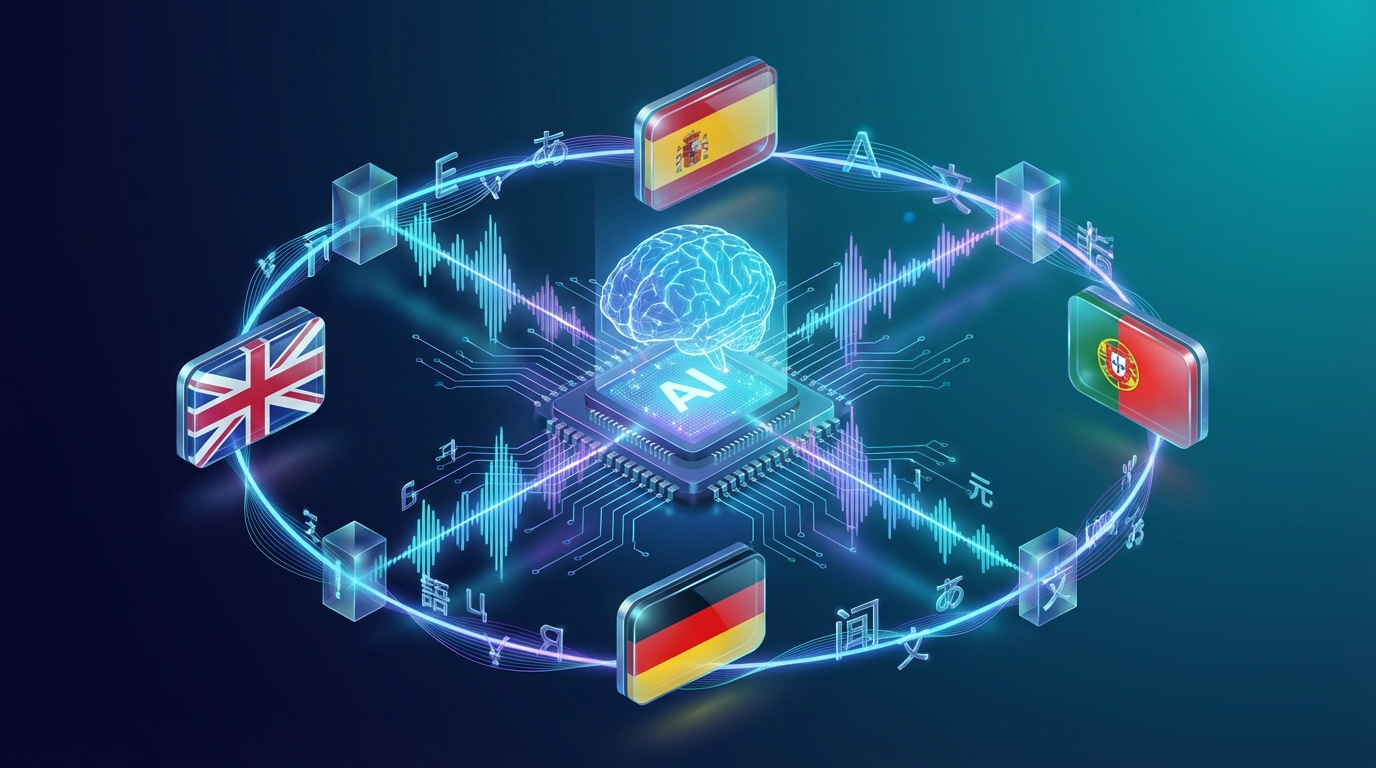

AI Voice Translation: How to Translate Videos with Voice in 2026
AI voice translation is transforming how creators, educators, and businesses reach global audiences. Instead of adding subtitles, you can now translate a video and replace the original voice with a natural-sounding AI voice in any language — in minutes. This guide explains how AI voice translation works, the best tools available in 2026, and how to start translating your videos with voice today. 🤖 What Is AI Voice Translation? AI voice translation is the process of automatically translating spoken audio in a video into another language, then generating a new audio track using an AI voice that sounds natural in the target language. The result: your video speaks to viewers in their own language — no subtitles required. How it differs from subtitling:Subtitles require viewers to read while watching AI voice translation replaces the spoken audio entirely Viewers hear content in their language, creating a native experienceHow it differs from traditional dubbing:Traditional dubbing requires voice actors, studios, and weeks of production AI voice translation takes minutes and costs a fraction of the price Quality has improved dramatically — modern AI voices sound natural and expressive⚙️ How AI Voice Translation Works Modern AI voice translation combines several technologies:Speech-to-text (STT): The original audio is transcribed automatically Neural machine translation (NMT): The transcript is translated into the target language Text-to-speech (TTS): The translated text is converted into a natural AI voice Lip-sync alignment (optional): Some tools adjust audio timing to match the speaker's lip movementsThe entire process can happen in under 5 minutes for a short video. 🌍 Why AI Voice Translation Matters in 2026 The numbers make a compelling case:72% of consumers prefer to buy products with information in their native language (CSA Research) YouTube now supports multiple audio tracks per video — letting creators serve multiple languages from one upload Non-English markets (Spanish, Portuguese, Hindi, Arabic) are growing faster than English on most platforms AI voice quality has reached human parity for most use cases — the "AI voice" stigma is fading fastFor creators and businesses, AI voice translation is no longer a nice-to-have — it's a growth lever. 🏆 Best AI Voice Translation Tools in 2026 1. NovaDub Best for: YouTubers, course creators, and businesses NovaDub specializes in AI dubbing and voice translation for video content. Upload your video, choose target languages, and get a fully dubbed version in minutes.Supports 30+ languages Natural-sounding AI voices with emotional range YouTube multiple audio track integration Plans starting from €29/monthTry NovaDub free → 2. ElevenLabs Best for: Voice cloning and high-end audio production ElevenLabs offers industry-leading voice synthesis with voice cloning capabilities. More expensive and requires more manual setup, but delivers exceptional voice quality. 3. Rask AI Best for: Enterprise video localization at scale Rask targets enterprise customers needing to localize large video libraries. Higher price point, more complex workflow. 4. HeyGen Best for: Avatar-based video translation with lip sync HeyGen adds a visual dimension — it can translate the video and animate an AI avatar to match the new language, including lip movements. 5. Deepl + TTS (manual workflow) Best for: Budget-conscious creators with time You can chain Deepl (translation) + a TTS tool (voice generation) manually. Takes more time but costs less. 📋 How to Translate a Video with AI Voice: Step by Step Here's the general workflow using a tool like NovaDub: Step 1: Upload your video Upload your original video file (MP4, MOV, or similar). Step 2: Choose source and target languages Select the original language and the language(s) you want to translate into. Step 3: Review the transcript The tool generates an automatic transcript. Review and correct any errors — translation quality depends on accurate transcription. Step 4: Generate the translation and voice The tool translates the transcript and generates an AI voice in the target language. This takes 2–5 minutes. Step 5: Review and adjust Listen to the result. Most tools let you re-generate specific segments or adjust timing. Step 6: Export and publish Download your translated video or export directly to YouTube with multiple audio tracks. 🎯 Best Use Cases for AI Voice Translation YouTube Creators: Expand to Spanish, Portuguese, Hindi, or any high-growth language market. With YouTube's multiple audio track feature, one video can serve multiple language audiences. Online Course Creators: Translate your Udemy, Teachable, or Kajabi courses into new languages to reach international students — without re-recording. Marketing Teams: Localize product demo videos, explainer videos, and ads for international markets. A translated ad can outperform a subtitled one by 30-40% in engagement. Corporate Training: Distribute training videos to global teams in their native languages. Improves comprehension and retention vs. subtitled content. 💡 Tips for Better AI Voice Translation ResultsUse clean audio in the original — background noise confuses speech-to-text Speak clearly and at moderate pace — cleaner transcript = better translation Review the transcript before translating — errors compound Choose the right voice — test a few options, some suit educational content better Start with your highest-performing content — maximizes ROI💰 How Much Does AI Voice Translation Cost? Traditional professional dubbing costs $500–2,000+ per video per language. AI voice translation brings this down to $5–15 per video at scale, with monthly plans starting around $29–60/month for most tools. 🚀 Getting StartedPick one high-performing video from your existing library Choose one target language (Spanish or Portuguese are high-ROI starting points) Try a free trial of NovaDub or another tool Publish the translated version and compare performance over 30 days If it works, scale — translate more content and add more languagesReady to translate your first video? Start with NovaDub — free trial available →