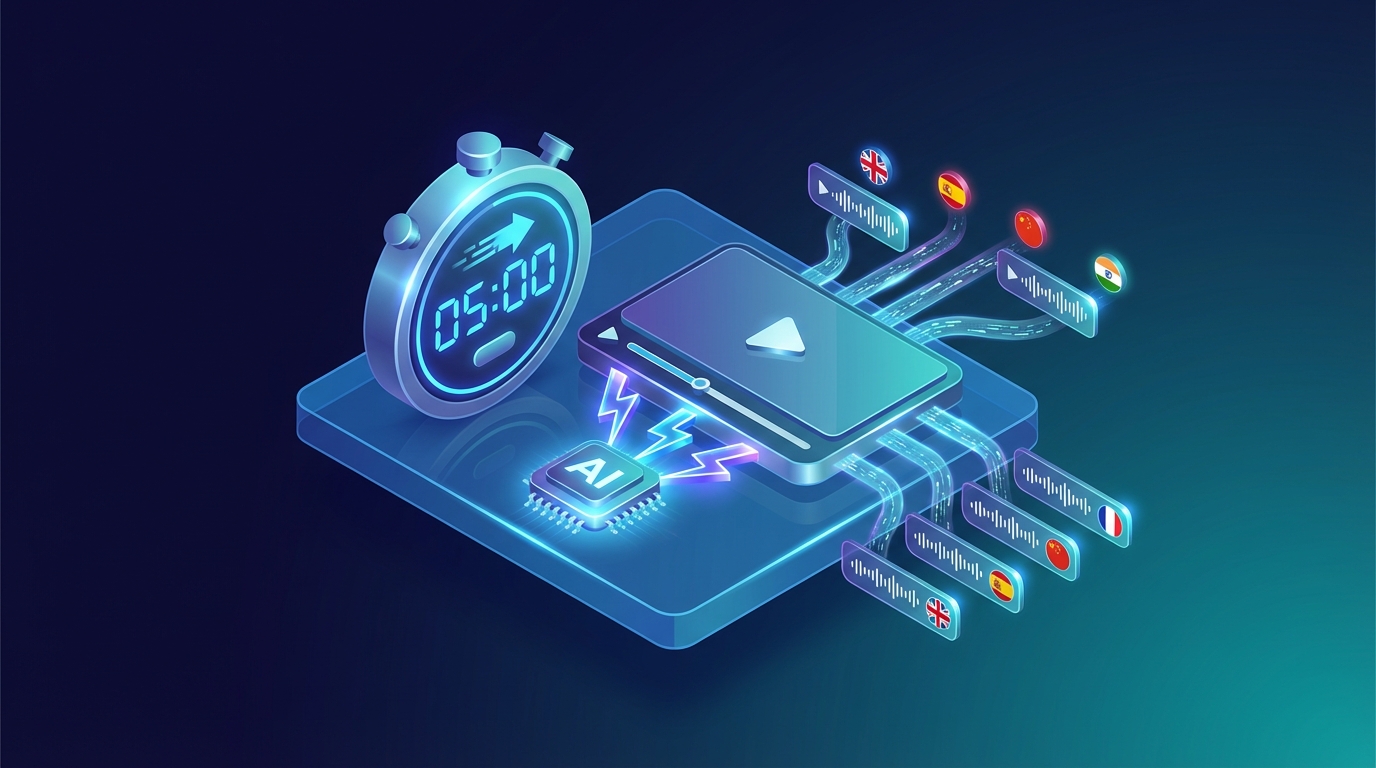

I remember when a friend of mine, a YouTuber, told me three years ago how much it cost him to dub a series of tutorials into Spanish. Three thousand dollars for four ten-minute videos, plus a month of waiting between recordings, corrections, and revisions. Today, those same videos could be dubbed in an afternoon for less than fifty dollars. That’s the transformation artificial intelligence has brought to video localization.
If you’re reading this article, you’ve probably wondered at least once whether it’s worth translating your content to reach a broader audience. The short answer is yes, and in this guide, I’ll show you exactly how to do it.
🚀 The Quiet Revolution in Dubbing
Let’s start with a fact that has always struck me: only about 26% of internet users are native English speakers. That means even if you publish exclusively in English, you’re automatically excluding about three-quarters of the global audience. It’s like opening a store and keeping the door closed for most of your potential customers.
The Spanish-speaking audience represents nearly 8% of internet users worldwide, Chinese speakers almost 20%, and then there are the Portuguese, Arabic, and Hindi markets—all massive, all potentially interested in your content. Research shows that 75% of people prefer consuming video in their native language, and this applies to tech tutorials, travel vlogs, online courses, and virtually every other type of content.
Info
Important: even publishing in English, you’re excluding about 74% of the global audience. AI dubbing finally makes international markets accessible to all creators.
Until recently, reaching these markets was a privilege reserved for large productions with substantial budgets. Professional studio dubbing could cost anywhere from two to five thousand dollars for a single ten-minute video. Multiply that by five languages, and you’re already over ten thousand dollars. For an independent creator or small business, simply prohibitive numbers.
💡 How the Process Actually Works
The technology behind AI dubbing is fascinating in its complexity, but the process for end users has become remarkably simple. Let’s see what actually happens when you upload a video to NovaDub.
The first step is automatic transcription of the original audio. The artificial intelligence analyzes the sound track, identifies the spoken words, and converts them to text. This phase, which a human transcriber would complete in hours, takes just seconds.
Next comes the translation engine. This isn’t a literal word-for-word translation, but a process that takes context, idiomatic expressions, and linguistic register into account. If you say “it’s a piece of cake” in your video, the Spanish translation won’t be “es un pedazo de pastel” but “es pan comido.”
The most impressive phase is voice synthesis. Using ElevenLabs technology, unanimously considered the best on the market, the AI generates a new audio track in the target language. The voices are incredibly natural, with pauses, breaths, and intonations that sound human. I ran a test showing a dubbed video to some friends without telling them it was a synthetic voice: nobody noticed.
The entire process, for a ten-minute video, takes about five minutes. An hour of content is processed in about half an hour. Timeframes unthinkable with traditional dubbing, which required weeks.
Your next video could speak 29 languages
While you're reading this, thousands of people are searching for content like yours — in a language you don't publish in.
5 free minutes · No credit card needed
📝 The Practical Tutorial
If you want to try it yourself, here’s how to proceed. First, make sure your video is in a compatible format: MP4 is ideal, but MOV, AVI, MKV, and WebM also work. The size limit is 2GB, more than enough for most content.
An important note: if your video has background music, don’t worry. The AI can separate the voice from the music and keep the soundtrack in the dubbed video. It’s one of those details that seems small but makes a big difference in the final result.
Tip
Pro Tip: always record audio in a quiet environment with a good microphone. The better your original audio quality, the better the AI dubbing results will be.
Go to NovaDub, log in or create an account, and upload your video. The interface is available in multiple languages, so you won’t have trouble navigating. Once the upload is complete, you’ll be asked to select target languages.
NovaDub supports over 29 languages, from the most common like Spanish, French, and German, to the less common but strategically important ones like Arabic, Korean, or Indonesian. My advice is to start with the languages most relevant to your niche. If you create tech or gaming content, Spanish, Japanese, and Korean are almost mandatory. For business content, consider German and Mandarin Chinese. For lifestyle and travel, Spanish, Portuguese, and French cover much of the interested audience.
At this point, you can configure some additional options. The most interesting is voice cloning: if you want the dubbed voice to resemble yours, enable this option and the AI will analyze your timbre, tone, and inflections to replicate them in the new language. It’s almost uncanny how accurate it is.
Click “Start Dubbing” and wait. While the AI works, you can do other things—check emails, prepare your next video, or simply enjoy the fact that a process that once took weeks now completes while you grab a coffee.
When dubbing is ready, you can preview it directly in your browser. I recommend always checking the result, paying particular attention to numbers, proper names, and technical terms specific to your niche. In my experience, the AI rarely makes mistakes, but a quick review never hurts.
💰 The Cost Question
Let’s talk money, because that’s what matters to most people. NovaDub offers two pricing models: pay-as-you-go and subscription.
With pay-as-you-go, you only pay for what you use. The Lite plan costs €0.99 per minute and includes a small watermark, ideal for testing or occasional use. The Pro plan at €1.49 per minute removes the watermark and is designed for professional content. In practice, dubbing a ten-minute video into one language costs less than fifteen euros.
For those who produce content regularly, subscriptions offer significant savings. The Starter plan at €19 per month includes 15 minutes, Creator at €49 includes 50, and Business at €149 offers 200 monthly minutes. For higher volumes, custom Enterprise plans exist.
To put it in perspective: with what it once cost to dub a single video into one language, today you can localize dozens of hours of content into five or more languages. The ROI is almost embarrassing.
✨ Tips for Optimal Results
Having tested AI dubbing on hundreds of videos, I’ve gathered some tips that make the difference between a good result and an excellent one.
Source audio is fundamental. If you record with a good microphone in a quiet environment, the AI will produce better results. You don’t need professional equipment worth thousands of dollars, but a decent USB microphone and some attention to acoustics work wonders.
Avoid vocal overlaps. If multiple people speak simultaneously in your video, the AI will struggle to handle the situation. Better to have well-defined speaking turns.
Warning
Warning: avoid videos with multiple people speaking simultaneously. AI works best with well-defined speaking turns and natural pauses between sentences.
Leave natural pauses between sentences. The AI uses these pauses to segment text and synchronize audio. If you speak rapid-fire without ever stopping, the result might be less fluid.
Finally, a post-dubbing tip: consider creating custom thumbnails for each language. A translated title on the thumbnail can make the difference in click-through rates across different markets.
🎯 Who Is It For?
AI dubbing isn’t the perfect solution for every situation, but it covers a wide range of use cases.
For YouTubers and content creators, it’s practically essential if you want to grow beyond national borders. I’ve seen channels triple their views simply by adding Spanish and German versions of their videos.
For businesses, it’s perfect for onboarding videos, presentations for international clients, product demos, and marketing content. The savings compared to traditional dubbing are on the order of 95%.
For those doing online training, it’s a revolution. A course that previously only made sense to translate if it sold thousands of copies can now be localized even with much smaller volumes.
The only area where AI dubbing still shows limitations is high-end film production. For a premium movie or TV series, human dubbing still offers an edge in terms of expressiveness and naturalness. But for everything else, AI has reached and often surpassed the necessary quality threshold.
✅ Conclusion
AI video dubbing is no longer an experimental technology or a quality compromise. It has become a mature, accessible, and extraordinarily effective tool for anyone who wants to reach a global audience.
If you regularly publish videos and aren’t localizing them yet, you’re leaving an enormous amount of potential audience on the table. With costs starting at less than one euro per minute and processing times of just a few minutes, there’s no longer any excuse not to try.
Note
Note: NovaDub offers 5 free minutes without a credit card. Enough to test the quality with your own video and evaluate the results before committing.
NovaDub offers 5 free minutes without requiring a credit card. Enough to test the quality with your own video and see if it’s right for you. I recommend trying it: the result might surprise you.
Have questions about AI dubbing or want to share your experience? Leave a comment or contact us at [email protected].
Creators worldwide use NovaDub
"NovaDub revolutionized my channel. Now I reach audiences in 5 different languages with the same voice quality."
"The AI dubbing quality is incredible. My international followers can't believe it's automated!"
"We reduced localization costs by 80% while maintaining professional quality."
"Our courses now reach students worldwide. The audio quality is so natural it sounds like human dubbing."