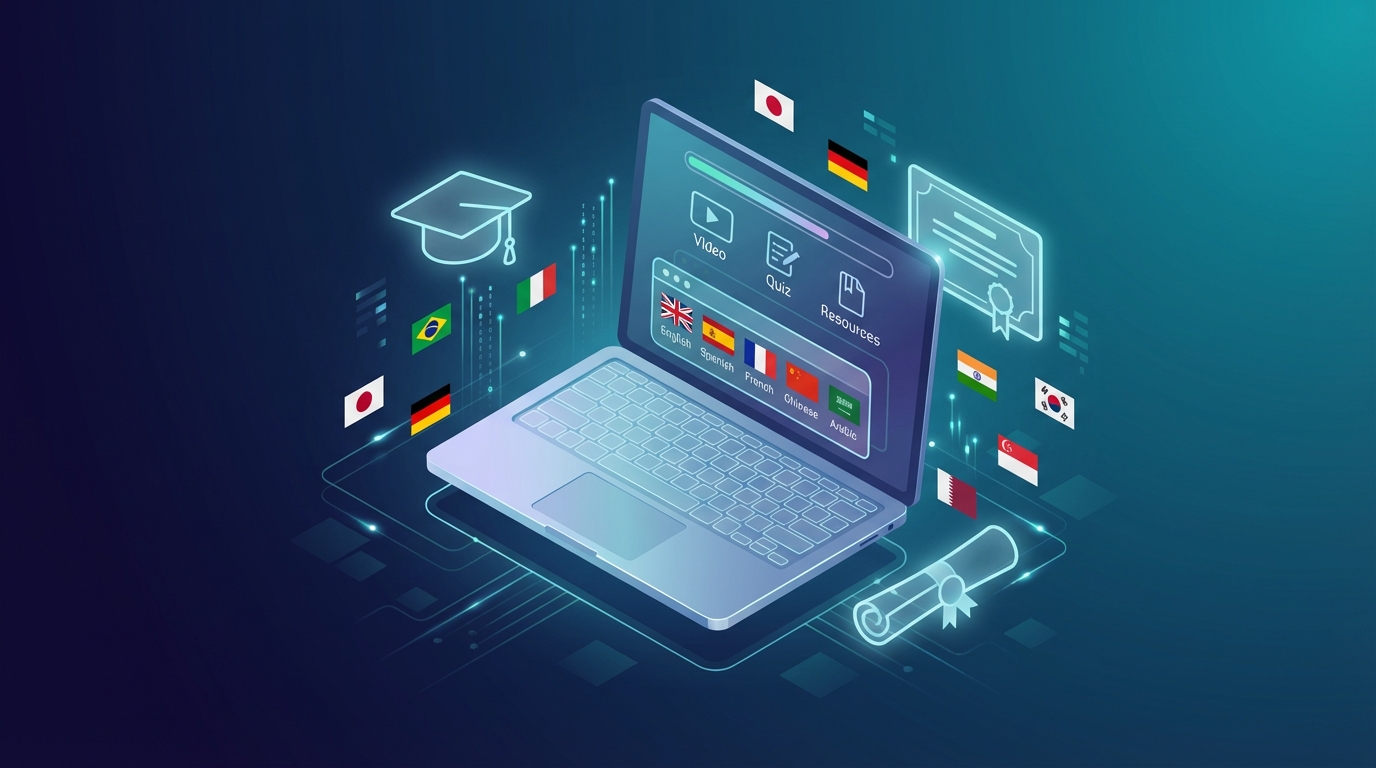

If you’ve built an online course in English, you’re reaching roughly 20% of the global internet population. The other 80% speaks Spanish, Portuguese, Hindi, Chinese, Arabic, and dozens of other languages.
eLearning localization — the process of adapting your course content for international audiences — is the fastest way to multiply your student base without creating new content. In 2026, AI has made this faster and cheaper than ever.
📚 What Is eLearning Localization?
eLearning localization goes beyond simple translation. It involves adapting your course’s:
- Video audio — replacing English narration with AI-voiced translations
- Subtitles/captions — translating text on screen
- Written materials — PDFs, slides, worksheets
- UI and platform text — course descriptions, module titles, quiz questions
For many course creators, video audio is the highest-priority element. A student can stumble through translated PDFs, but they’ll drop off immediately if they can’t follow the video lessons.
🌍 Why eLearning Localization Is a Growth Lever
The market is enormous:
- The global eLearning market is projected to exceed $400 billion by 2026
- Spanish-speaking learners are the fastest-growing demographic on Udemy and Coursera
- Non-English courses on Teachable earn 2-3x more per student on average (niche-dependent)
The math is simple: If your $200 course sells 100 copies/year in English, a Spanish version reaching 50 students adds $10,000 in revenue — from content you’ve already created.
AI has eliminated the cost barrier: Previously, localizing a 10-hour course could cost $5,000–15,000 in professional translation and voiceover. AI tools now do it for under $200.
🛠️ How to Localize Your Online Course: The Process
Step 1: Audit Your Content
Before localizing, identify what needs translation:
- Video lessons (highest priority)
- Slide decks shown on screen
- Downloadable resources (PDFs, worksheets)
- Quiz questions and answers
- Course description and marketing copy
Step 2: Prioritize Languages
Don’t try to localize into 10 languages at once. Pick one or two:
Best first languages for English creators:
- Spanish — 500M+ native speakers, huge Udemy/YouTube presence
- Portuguese (BR) — Brazil is the fastest-growing eLearning market globally
- German — high purchasing power, strong demand for professional courses
- Hindi — massive emerging market with rapid smartphone adoption
Step 3: Translate the Video Audio with AI
This is where tools like NovaDub shine. The workflow:
- Upload your video lesson
- Review the auto-generated transcript (fix errors)
- Generate AI-voiced translation in the target language
- Review the output and adjust any awkward segments
- Download the localized video
For a 60-minute course, this process takes 2–4 hours of your time (mostly reviewing, not working).
Step 4: Translate Written Materials
For PDFs, slides, and text content:
- Deepl is the gold standard for high-quality document translation
- Google Translate works for basic content
- For nuanced educational content, a human review pass is worth it (native speaker freelancer on Fiverr)
Step 5: Translate Quiz Questions
Quiz questions are often overlooked. Make sure:
- Answer options are all translated (not just the question)
- Any language-specific examples are adapted for the target culture
- Idioms and cultural references are localized, not just translated
Step 6: Update Platform Listings
Your Udemy, Teachable, or Kajabi course listing needs localized:
- Course title and description
- Module and lesson titles
- Category tags (in target language)
- Promotional materials
🤖 Best AI Tools for eLearning Localization in 2026
For Video Translation
NovaDub — Purpose-built for video dubbing. Best balance of quality, speed, and price for course creators.
- Upload video → get dubbed version in minutes
- 30+ languages supported
- Try free →
ElevenLabs — Best for voice cloning (recreate your own voice in other languages). Higher cost but preserves your personal brand.
Rask AI — Good for enterprise teams localizing large course libraries.
For Document Translation
Deepl Pro — Best quality for European languages. Has document upload feature.
ChatGPT/Claude — Good for translating short texts, quiz questions, and marketing copy with context instructions.
For Subtitles
Happy Scribe — Automated transcription + translation + subtitle export.
Kapwing — Good free option for subtitle translation with export to SRT/VTT.
💡 Quality Tips for Course Localization
-
Fix transcription errors before translating The most important step. Errors in the source text become errors in every translated version. Spend 15 minutes reviewing the auto-transcript before generating translations.
-
Use consistent terminology Create a glossary of key terms in your course (especially technical or niche terms) and their translations. Apply consistently across all lessons.
-
Test with a native speaker Before launching, have one native speaker student go through the first module. They’ll catch awkward translations and cultural misfits you’d never notice.
-
Don’t over-localize Some English terms have become universal (especially in tech and business). “AI”, “machine learning”, “startup” are often better kept in English even in a Spanish course.
-
Adapt examples, not just words If you reference US-specific examples (taxes, legal structures, cultural references), adapt them for the target market. A Spanish student doesn’t relate to a US tax example.
📊 Expected Results from eLearning Localization
Based on reported results from course creators who’ve localized their content:
- First Spanish version: 20-50% of original English revenue in the first 6 months
- Break-even: Usually within 1-2 months (given low AI localization costs)
- Long-term: Spanish courses often overtake English for the same creator within 2 years
The caveat: you need to market the localized course too. Simply publishing a Spanish version doesn’t drive traffic — you need to promote it in Spanish-speaking communities.
🚀 Getting Started: Minimum Viable Localization
If this feels overwhelming, start with the minimum viable version:
- Take your best-performing course module (just 1-3 lessons)
- Dub it into Spanish using NovaDub
- Publish it as a free mini-course on Udemy or YouTube
- Measure interest — does it get views? Do people ask for the full course?
- If yes: localize the full course and charge for it
This approach validates demand before you invest significant time in full localization.
Ready to localize your first course?
Creators worldwide use NovaDub
"NovaDub revolutionized my channel. Now I reach audiences in 5 different languages with the same voice quality."
"The AI dubbing quality is incredible. My international followers can't believe it's automated!"
"We reduced localization costs by 80% while maintaining professional quality."
"Our courses now reach students worldwide. The audio quality is so natural it sounds like human dubbing."