Showing Posts From
Dubbing steps
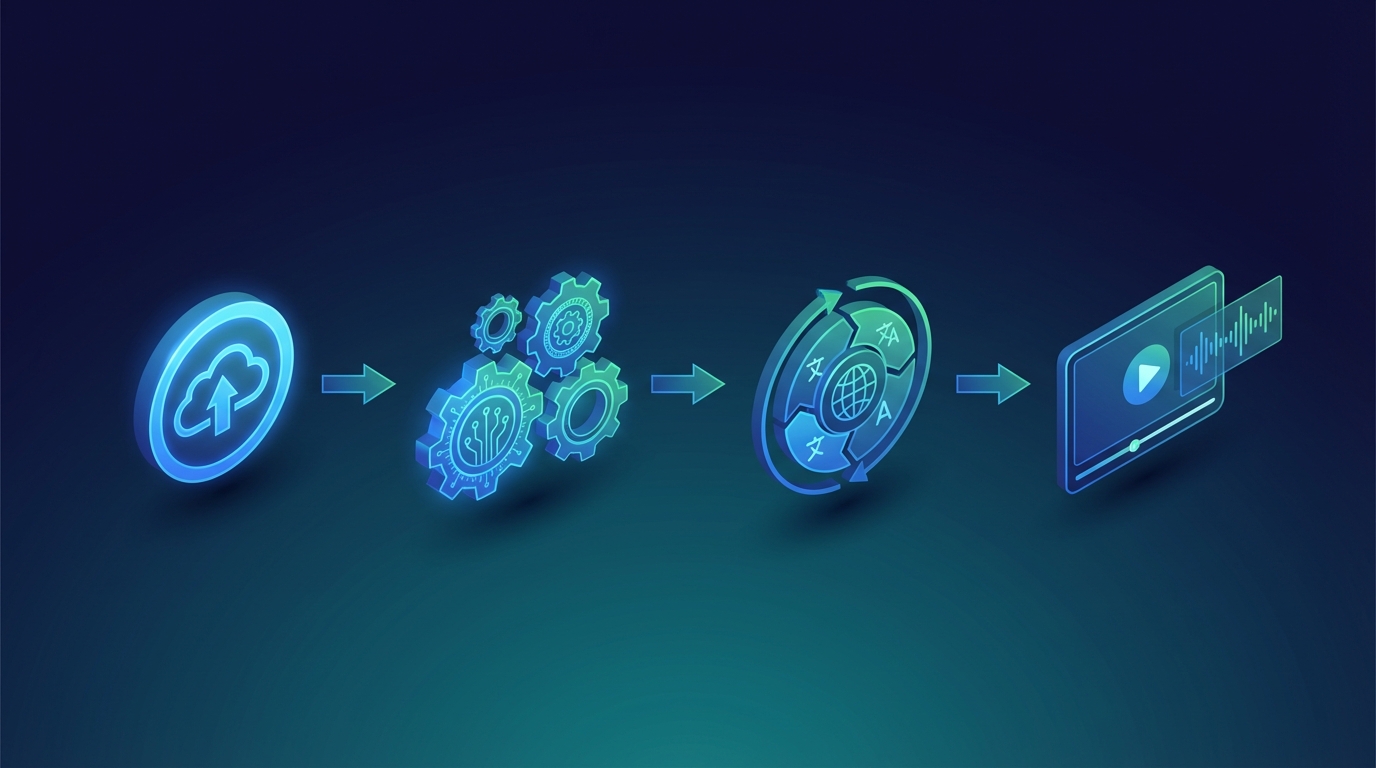

How to Dub a Video: Step-by-Step Guide for 2026
Dubbing a video sounds complicated — but in 2026, the process has become dramatically simpler. AI tools can now replace what used to take a full studio team. Whether you're a YouTube creator, a business with training videos, or a podcaster going global, this guide will walk you through exactly how to dub a video from scratch. What Does "Dubbing a Video" Actually Mean? Dubbing means replacing the original spoken audio of a video with a new voice recording in a different language. Unlike subtitles (which add text on screen), dubbing lets your audience hear the content in their own language. A well-dubbed video feels natural — the lip movement roughly matches the audio, the emotion carries over, and the viewer never has to read anything.Two Ways to Dub a Video Before we get into steps, you need to pick your approach: 1. Traditional (Human) Dubbing A voice actor records the translated script in a studio. An audio engineer syncs the recording to the video. Pros: Highest quality, natural delivery, handles cultural nuancesCons: Expensive ($500–$5,000+ per video), slow (days to weeks) 2. AI Dubbing An AI tool transcribes your audio, translates the script, and generates a synthetic voice that sounds like the original speaker. Pros: Fast (minutes), cheap ($0–$50 per video), scalableCons: Occasional pronunciation errors, less emotional range on complex scripts For most creators and businesses in 2026, AI dubbing is the right choice for 90% of use cases.How to Dub a Video: Step-by-Step Step 1: Choose Your Target Language(s) Start with one language before scaling. The best first choices are usually:Spanish — 500M+ speakers, huge YouTube audience, strong engagement rates Portuguese (Brazil) — fastest-growing creator market French or German — higher purchasing power in EuropeIf you're not sure where your audience already comes from, check YouTube Analytics → Geography. Step 2: Prepare Your Source Video Before dubbing, make sure your original video is clean:✅ Clear audio (minimal background noise) ✅ Single speaker per clip (AI handles multi-speaker but quality drops) ✅ Pacing with natural pauses (AI needs space to insert audio) ✅ Exported as MP4 (H.264) for best compatibilityIf your audio is noisy, run it through a tool like Adobe Podcast Enhance or Auphonic before dubbing. Step 3: Pick a Dubbing Tool Here's what to use depending on your situation:Situation Recommended ToolYouTube creator (speed + cost) NovaDub, ElevenLabs DubbingLarge-scale business Rask AI, TranslatedDIY with full control Whisper + TTS + manual syncHigh-end broadcast quality Traditional studioFor most creators, NovaDub handles the full pipeline in one step: upload → translate → dub → download. Step 4: Upload and Configure Once you've picked your tool:Upload your video (or paste a YouTube link if supported) Select the source language (what the video is recorded in) Select the target language(s) (what you want to dub into) Choose voice settings if available (gender, accent, speed) Submit and waitAI dubbing tools typically process a 10-minute video in 2–5 minutes. Step 5: Review the Transcript Most tools give you access to the auto-generated transcript and translation. Always review this before finalizing. Common issues to fix:Technical terms that got mistranslated Brand names that got phonetically altered Cultural references that don't land in the target language Timing mismatches (spoken too fast for the lip-sync window)A 5-minute review can save you from embarrassing errors in the final dub. Step 6: Generate and Download the Dubbed Video Once the transcript looks good, generate the final dub. You'll get back:A new video file with dubbed audio Sometimes a subtitle file (.srt or .vtt) as a bonus Audio-only files for separate useDownload and watch the full video before publishing. Pay attention to:Audio volume (dub should match original loudness) Sync at key moments (lips hitting important syllables) Transitions between speakersStep 7: Publish If you're uploading to YouTube:Upload as a separate video on a localized channel (best for SEO) Or use YouTube's multi-audio track feature (keep one URL, add dubbed audio as alternate track) Add translated titles, descriptions, and tagsFor social media (TikTok, Instagram Reels), upload directly with localized captions.How Much Does It Cost to Dub a Video? Here's a realistic cost comparison for a 10-minute video:Method Cost TurnaroundTraditional studio $300–$2,000 3–10 daysFreelance voice actor $100–$500 1–5 daysAI dubbing (NovaDub) $5–$20 5–10 minutesAI dubbing (DIY open-source) Free 30–60 minutesFor a creator dubbing into 5 languages, AI dubbing costs roughly $25–$100 per video instead of $1,500–$10,000.Common Mistakes to Avoid Skipping the transcript review. AI translation is good but not perfect. Proper nouns, idioms, and technical terms often need a human check. Using the wrong voice. If your content has a strong persona, pick a voice that matches the energy. A calm, measured dub on a high-energy video kills engagement. Not testing with native speakers. Before scaling to 10+ videos in a language, have a native speaker watch one dubbed version. They'll catch errors you'd never notice. Ignoring local SEO. A dubbed Spanish video with English title and description still won't rank in Spanish search. Translate everything — titles, descriptions, tags, thumbnails.FAQs About Dubbing a Video Can I dub a YouTube video I don't own?No. You need the rights to the content. Dubbing someone else's video without permission is copyright infringement. How long does it take to dub a video with AI?With tools like NovaDub, a 10-minute video takes about 3–8 minutes to process. Can AI dubbing match my original voice?Yes — most tools include voice cloning that replicates your tone, pitch, and cadence in another language. Quality varies by tool. Is AI dubbing good enough for professional use?For YouTube, corporate training, and e-learning: yes. For broadcast TV or film: not yet (most studios still prefer human dubbing). How many languages can I dub into at once?Depends on the tool. NovaDub supports 30+ languages. Some tools batch multiple languages in a single upload.Ready to Dub Your First Video? The fastest way to start is to try it with one video. Pick your most popular piece of content, dub it into Spanish, and publish it as a separate video or alternate track. Most creators see meaningful engagement from their first dubbed video within the first week. 👉 Try NovaDub free — dub your first video in minutes