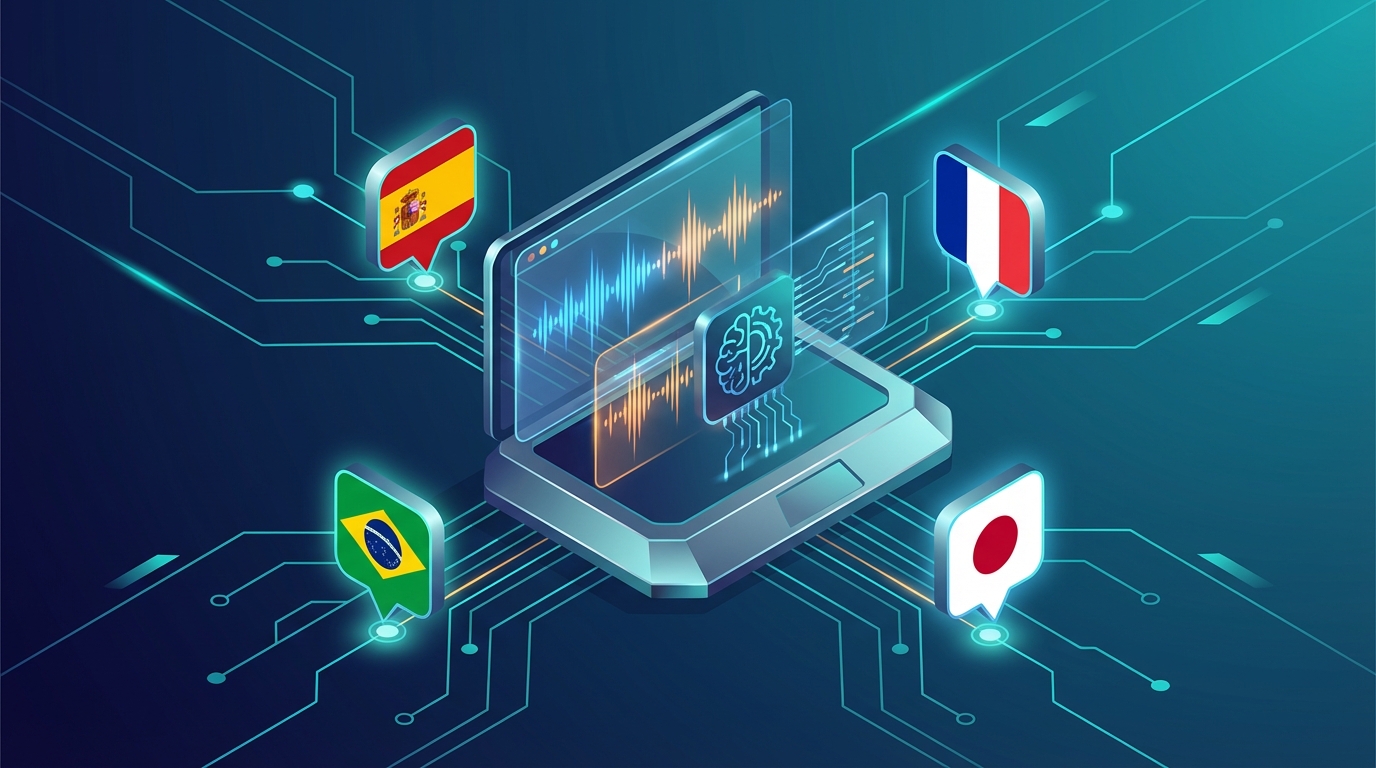
AI dubbing has moved from a novelty to a practical production tool in less than three years. What required a recording studio, professional voice actors, and a significant budget in 2022 can now be done in minutes with software that costs less per month than a single voice actor session.
This guide cuts through the marketing and tells you what AI dubbing software actually does well in 2026, what it still struggles with, and which tool to use for your specific situation.
What AI Dubbing Software Does (And What It Doesn’t)
Let’s set realistic expectations first.
What good AI dubbing software does:
- Transcribes your original audio with high accuracy (95%+ in supported languages)
- Translates the transcript into the target language, maintaining meaning and context
- Generates a new audio track using AI voices that approximate the speaker’s vocal characteristics
- Syncs the new audio to the original video timing
- Produces a downloadable dubbed video ready to publish
What AI dubbing software still struggles with:
- Very fast speech with overlapping words
- Strong regional accents in the source language
- Highly idiomatic language (jokes, wordplay, cultural references)
- Multiple simultaneous speakers in a single audio track
- Perfectly matching the exact emotional nuance of a live performance
Understanding these limitations helps you set up your content for success — and know when to use AI dubbing versus when to hire a human translator/voice actor.
The Core Technologies Behind AI Dubbing
1. Automatic Speech Recognition (ASR)
The foundation — transcribing your original speech to text. Whisper (OpenAI), Google Speech, and proprietary models are common. Quality in 2026 is excellent for clear audio in major languages; still variable for accented speech or noisy recordings.
2. Neural Machine Translation (NMT)
Translating the transcript. DeepL and GPT-4-class models produce output that’s often indistinguishable from human translation for conversational and educational content. Literary content still benefits from human review.
3. Text-to-Speech (TTS) with Voice Cloning
Generating the audio. This is where quality varies most between tools. Basic TTS produces clearly synthetic speech. Good voice cloning preserves the speaker’s vocal identity, pacing, and emotional tone. The best tools in 2026 can produce voice-cloned audio that’s difficult to distinguish from the original.
4. Time-Alignment
Fitting the generated audio to the video timing. Different languages speak at different speeds; a 30-second English explanation might take 25 seconds in Spanish or 40 seconds in German. Time-alignment tools compress or expand audio within limits to keep it in sync with the original video cuts.
The Best AI Dubbing Software in 2026
NovaDub — Best for Creators and Small Teams
The core proposition: NovaDub focuses on voice-cloned dubbing for individual creators who want their multilingual content to sound authentically like them. The setup is simple: upload a video, select languages, review the transcript, generate.
Voice quality: Strong voice cloning from a 30-second voice sample. Preserves vocal identity, tone, and pacing across supported languages. Among the best creator-focused voice quality available.
Supported languages: 30+ languages including major markets (Spanish, Portuguese, French, German, Italian, Japanese, Hindi, and more).
Interface: Deliberately simple. If you’ve ever used a video hosting platform, you can use NovaDub without a tutorial.
What we like:
- The voice cloning result feels authentic, not synthetic
- Transparent per-video pricing makes budgeting easy
- Fast turnaround — most videos process in minutes
What could be better:
- No lip sync (but most creator content doesn’t need it)
- Less customization depth than enterprise tools
Best for: YouTubers, course creators, podcasters, and any creator who wants to expand internationally without sounding robotic.
Pricing: From €29/month
Rask AI — Best for High Volume
The core proposition: Rask AI is built for scale. Marketing agencies, media companies, and educational platforms that need to dub hundreds of videos need a tool with batch processing, API access, and 130+ language support.
Voice quality: Good at scale; voice cloning exists but may feel slightly less personalized than NovaDub at the individual creator level. Excellent for branded voice-over that isn’t expected to sound like a specific person.
Supported languages: 130+ — the widest language support of any major tool.
Interface: More complex than creator-focused tools, reflecting enterprise workflow requirements.
What we like:
- Unmatched language support
- Batch processing for simultaneous multi-video workflows
- API integration for automated pipelines
What could be better:
- Interface complexity is a barrier for individual creators
- Higher price point
- Voice quality is less consistent across all 130 languages
Best for: Marketing agencies, educational platforms, YouTube channels with 20+ videos/month, global media companies.
Pricing: From $60/month; enterprise pricing available
ElevenLabs — Best for Voice Quality (Without Full Dubbing Workflow)
The core proposition: ElevenLabs isn’t primarily a dubbing platform — it’s the best AI voice generation tool available in 2026. Creators use it as a component in custom dubbing workflows.
Voice quality: Exceptional. ElevenLabs produces the most natural-sounding AI voices available, with exceptional emotional range and voice cloning fidelity.
How it fits in a dubbing workflow:
- Transcribe with Whisper
- Translate with DeepL or GPT-4
- Generate audio with ElevenLabs
- Sync to video with an editor
What we like:
- Industry-best voice quality and emotional range
- Extensive voice library + voice cloning
- Good API for custom pipeline integration
What could be better:
- Not a complete dubbing solution — requires manual workflow assembly
- No built-in time-alignment
- Requires technical knowledge to assemble into a full pipeline
Best for: Professional content producers who want maximum voice quality and are willing to build a custom workflow.
Pricing: From $5/month (TTS credits); voice cloning from $22/month
HeyGen — Best for Lip Sync
The core proposition: HeyGen’s lip sync technology adjusts the mouth movements in your video to match the dubbed audio. The result looks like the original speaker is naturally speaking the target language.
When lip sync matters:
- Executive communications and investor videos
- Brand spokesperson content
- Any content where the speaker’s credibility is tied to their visual presence
- High-production-value course content
What we like:
- The best lip sync technology available for commercial use
- Strong voice cloning to go alongside the visual matching
- Good for enterprise marketing content
What could be better:
- Slower processing than other tools
- Higher cost at the features level where lip sync activates
- Overkill for most creator use cases
Best for: Enterprise marketing, executive communications, high-stakes video content where visual authenticity is critical.
Pricing: From $29/month basic; lip sync features at higher tiers
Papercup — Best for Broadcast and Media
The core proposition: Papercup targets broadcasters, documentary makers, and media companies. It combines AI generation with optional human review, making it suitable for content that requires the highest standard of accuracy.
What we like:
- Human review option for critical content
- Designed for broadcast-standard output
- Good handling of complex, nuanced content
What could be better:
- Enterprise-only pricing (not transparent)
- Not appropriate for individual creators or small teams
Best for: Broadcasters, documentary producers, major media companies.
Pricing: Enterprise only — contact for pricing
How to Evaluate AI Dubbing Software
When assessing any tool for your workflow, test these five dimensions:
1. Transcription Accuracy
Upload a sample video and check the transcription output before the translation step. Are technical terms handled correctly? Are names spelled right? Is the speaker correctly identified if there are multiple people?
2. Translation Quality
Ask a native speaker of the target language to review the translated transcript (before the audio is generated). Is the meaning preserved? Does it sound natural in that language? Are idioms handled intelligently?
3. Voice Identity Preservation
Listen carefully to the generated audio. Does it sound like the original speaker, or like a generic AI voice? Record a standard sentence (“Today I’m going to show you how to…”) in the original and listen to the dubbed version. The difference in voice identity is immediately apparent.
4. Time-Alignment Quality
Play the dubbed video and watch the cuts. Does the audio feel in sync with the visual rhythm? Does it feel rushed or artificially stretched? Good time-alignment is nearly invisible; bad time-alignment is immediately noticeable.
5. Workflow Speed
How long does it take from upload to downloadable result? And how much manual intervention is required? The best tools optimize for speed with minimal required editing.
AI Dubbing vs Human Dubbing: When to Use Each
AI dubbing has gotten very good. But human dubbing is still the right choice in some situations.
Use AI dubbing when:
- Creating regular content at scale (1+ videos/week)
- Budget is a constraint (AI is 10-50x cheaper per minute)
- Speed matters (same-day or next-day turnaround)
- The content is informational, educational, or conversational
- You want to test a new language market before committing to high investment
Use human dubbing when:
- The content involves complex wordplay, poetry, or humor that requires cultural adaptation
- You’re producing broadcast-quality content for major media
- The original performance has subtle emotional nuances critical to the message
- Your brand requires the absolute highest quality (luxury, finance, healthcare)
- You’re dubbing into a language where AI voice quality is still limited
For most creator and SMB content in 2026, AI dubbing is the appropriate choice. The quality-to-cost ratio has crossed the threshold where the business case is clear.
Getting Started: A Practical Workflow
Here’s the workflow most creators find most efficient:
Step 1: Prepare your source material Ensure clean audio — no background music during speech, consistent volume, clear enunciation. This single factor affects output quality more than any other.
Step 2: Select your first target language Don’t try to dub into 10 languages on your first attempt. Pick one — ideally a language where you already have some audience interest (check your analytics for existing international views).
Step 3: Process and review the transcript Before approving the translation, read the transcript. Fix any transcription errors. Flag any phrases that may not translate well and suggest alternatives.
Step 4: Generate and evaluate Listen to the full dubbed audio before downloading the video. The quality at this step is representative of the final output.
Step 5: Publish with localized metadata Upload the dubbed video as a new, separate video. Translate the title, description, and tags into the target language. This is how the algorithm finds it.
Step 6: Track performance Give each dubbed video 60-90 days. Watch for views, watch time, and comments in the target language. These signals tell you whether to double down in this language or try a different market.
The Bottom Line
AI dubbing software has reached a quality level where the question is no longer “is it good enough?” but “which tool is right for my workflow?”
Our recommended approach by use case:
| Use Case | Recommended Tool |
|---|---|
| Individual creator (YouTube, courses) | NovaDub |
| Marketing agency / High volume | Rask AI |
| Enterprise brand communications | HeyGen |
| Maximum voice quality (custom workflow) | ElevenLabs |
| Broadcast / Documentary | Papercup |
Start with one language. Dub your top 5 videos. Measure the results over 90 days. The data will tell you what to do next.
Creators worldwide use NovaDub
"NovaDub revolutionized my channel. Now I reach audiences in 5 different languages with the same voice quality."
"The AI dubbing quality is incredible. My international followers can't believe it's automated!"
"We reduced localization costs by 80% while maintaining professional quality."
"Our courses now reach students worldwide. The audio quality is so natural it sounds like human dubbing."